32
© 2006 directed elect r o n i cs—all rights reser ved
b. The lights will flash as confirmation the remote start
command was received.
c. The system will send a remote start response to the remote
control.
d. A few seconds later the engine will start. For diesel vehicles
there may be a delay for the glow plugs to warm.
e. Once started, the engine will run for the programmed run
time and the lights will continue to flash or turn on.
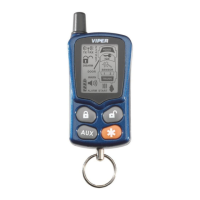
“remote” The remote control Notification will be two beeps
ascending in tone followed by the remote start animation.
to drive the vehicle
a. Disarm the alarm and unlock the doors
b. Enter the vehicle but DO NOT step on the brake pedal.
c. Insert the key and turn the ignition to the run or on posi
-
tion
d. Step on the brake pedal, the remote start will shut down and
the engine will continue to run. You are ready to drive.
to turn the engine off
While the remote start is active, the system will turn off if any of
the following occur:
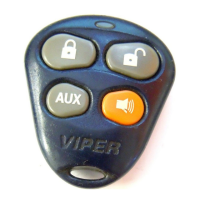
a. Press and release the
button of the remote control two
times quickly.
b. Step on the brake
c. Open the hood



 To Next Page