34
© 2006 directed elect r o n i cs—all rights reser ved
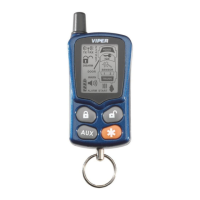
“remote” The remote control Notification will be two beeps
ascending in tone followed by the remote start animation.
turbo mode remote start
To activate Turbo mode
a. Park the vehicle and set the parking brake
b. Leave the engine running and remove your foot from the
brake pedal.
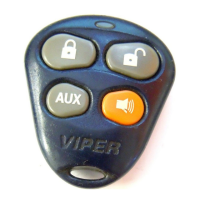
c. Press and release the
and
buttons together.
d. The lights will flash or turn on to confirm the remote start
has taken control of the engine.
e. Remove the key. The engine will continue to run.
f. Exit and secure the vehicle.
g. The engine will turn off when the programmed Turbo mode
run time expires.
“remote” The remote control Notification will be two beeps
ascending in tone followed by the remote start animation.
timer mode remote start
To activate timer mode
a. Press and release the
buttons of the remote
control once.
b. The lights will flash four times as confirmation the Timer
mode command was received.
c. The system will send a remote start response to the remote
control.
d. A few seconds later the engine will start. For diesel vehicles



 To Next Page