* The RD-70 uses 3.5" double-sided double-density (2DD) and high density
(HD)floppydisks.
* 100% reading compatibility is guaranteed for floppy disks formatted in an
MS-DOSenviroment
* As this format can be read by the majority of sequencers and computers
avaibleonthemarket,easyaccesstoahugelibraryofready-preparedsongsis
possible.
* If you have a problems reading a song, which is however in standard
MIDIFILEformat,proceedasfollows
1) Preparea 720 Kb or 1.44 Mb disk for writing (initialization) on a computer
whichusestheMS-DOSoperatingsystemorontheRD-70itself
2) Store the song in MIDIFILE format (*.MID extension) received from any
computer or sequencer with softwarecapableofhandling thisformat(ATARI
ST, APPLE MAC II, LC etc. with PC-Utilities., compatible systems MS-DOS,
ROLANDMCserieswithMRMconversion'ssoftware,etc.)onthedisk.
3)Insertthedisk containingthesong intothedisk driveofthe RD-70 and wait
* The RD-70 player is able to prepare blank disks for writing using a MS-DOS
format.
*Onlyusegoodqualitydisksintheformatallowed.
*Toinitializethedisksproceedasfollows:
1)Closethetabintheupperrighthandcornerofthedisk.
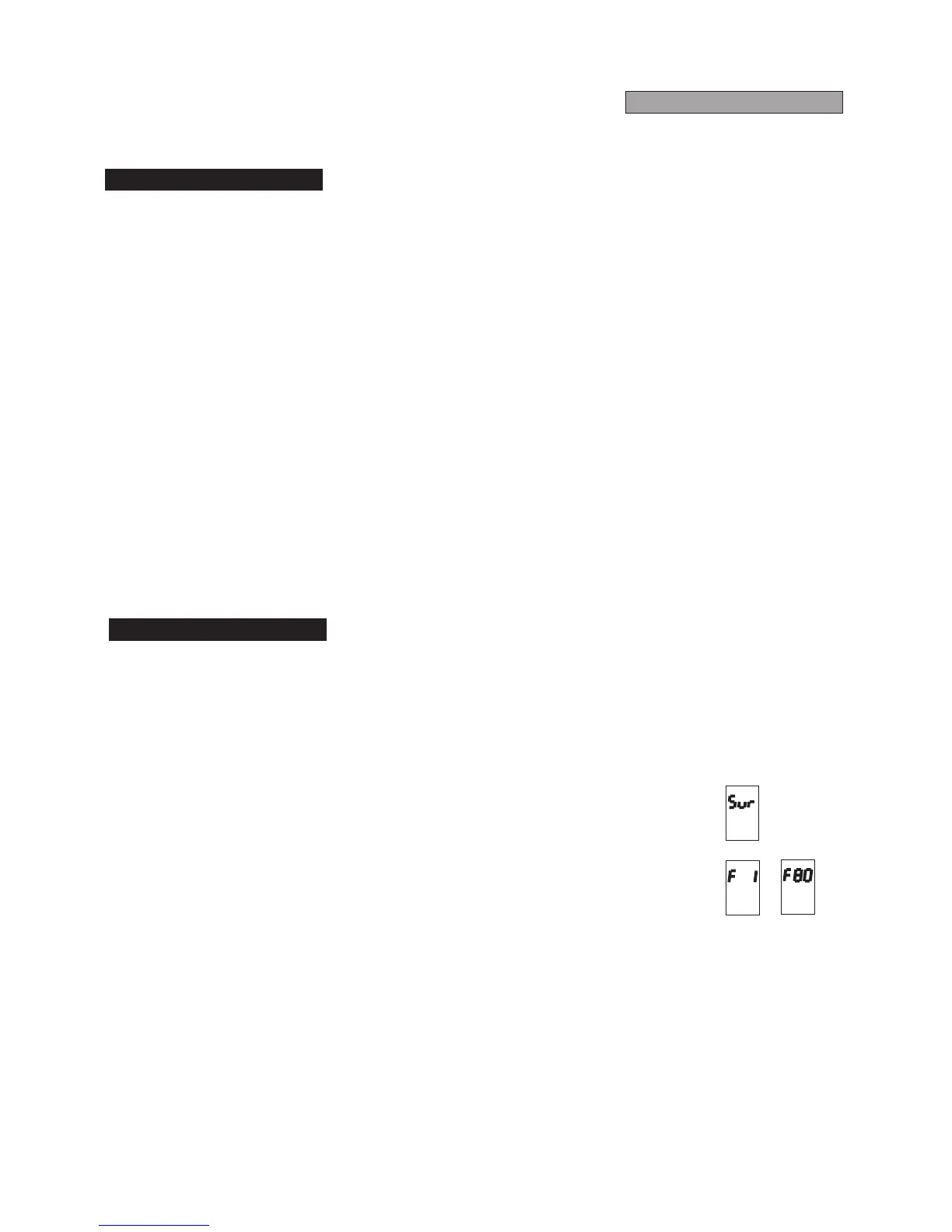
2) Insert the disk into the disk drive while holding ERASE button (the display
willask"Sur"-"Areyousure?")
3)ConfirmbypressingREC.
The initialization procedure will be scanned on the display, showing the
number of the disk track currently being formatted (from 1 to 80). When
initialization has been completed "Nos" ("No song" or "Disk Blank) will be
displayedtoconfirmthattheoprationhasbeencarriedout.
Atthispointthediskisreadyforwriting.
* You may need to format a disk that has already been used by the RD-70 or
another machine, or that is not blank in any case. Use the same procedure as
forablankdisks
5.1Disk Format
5.2Initialization
FLOPPY-DISKS



 To Next Page