*Tocopyasongfromonedisktoanotherproceedasfollows:
1) In stop position, insert the copy source disk containing the song to be
copied into the disk drive (for safety, protect the disk against overwriting by
movingthetabintheupperrighthandcornertotheopenposition).
2) Select the number of the song to be copied using the SONG < and >
buttons.
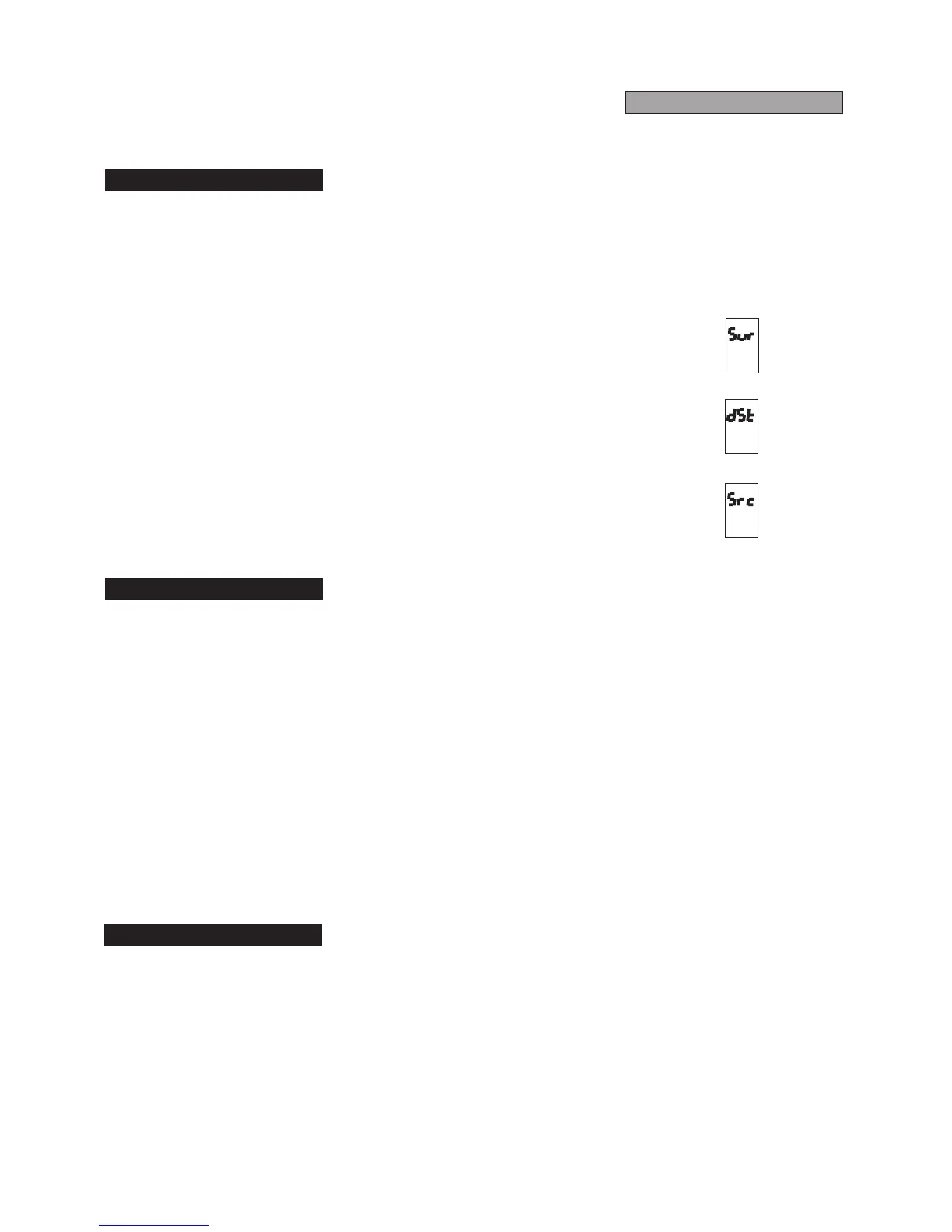
3) While holding REC, press ENTER (the display will ask "Sur" ("Are you
sure?").
4) Press REC to confirm (the display will request "dSt" - "copy destination
disk".
5) Remove the copy source disk by pressing EJECT (see front panel diagram)
and insert the copy destination disk (with the tab in the upper right hand
cornerintheclosedposition).
When the copy has been made the number of the copied song will be
displayed.
N.B. If a large amount of data has to be copied, the RD-70 may request the
copysourcedisk anumberoftimes.Inthis case,the displaywill request"Src"
(copy source disk). The source and destination disks must be inserted one
after the other the number of times requested by the machine with the "Src"
and"dSt"requests.
*Tocopyawholediskontoanother,proceedasfollows:
1) Insert the copy source disk into the disk drive (for safety, protect the disk
against overwriting by moving the tab in the upper right hand corner to the
openposition).
2) While holding REC, press REPEAT (the display will ask "Sur" ("Are you
sure?").
3) Press REC to confirm (the display will request "dSt" - "copy destination
disk".
4) Remove the copy source disk by pressing EJECT (see front panel diagram)
and insert the copy destination disk (with the tab in the upper right hand
cornerintheclosedposition).
The copy will be made in sections and the RD-70 will ask for the copy source
disk and then the copy destination disk a number of times. The display will
request "dSt" (copy destination disk) every so often, and then "Src" (copy
sourcedisk)andthetwodisksmustbeswappedasrequested.
*Todeleteasongfromthedisk,proceedasfollows:
1)SelectthesongtobedeletedusingtheSONG<and>buttons.
2)WhileholdingREC,pressERASEthenRECagain.
*Thisoperationrequiredthediskenabledforthewritingoperation.
5.3Copying a Song
5.4 Copying a Whole Disk
5.5Deleting a Song
FLOPPY-DISKS



 To Next Page