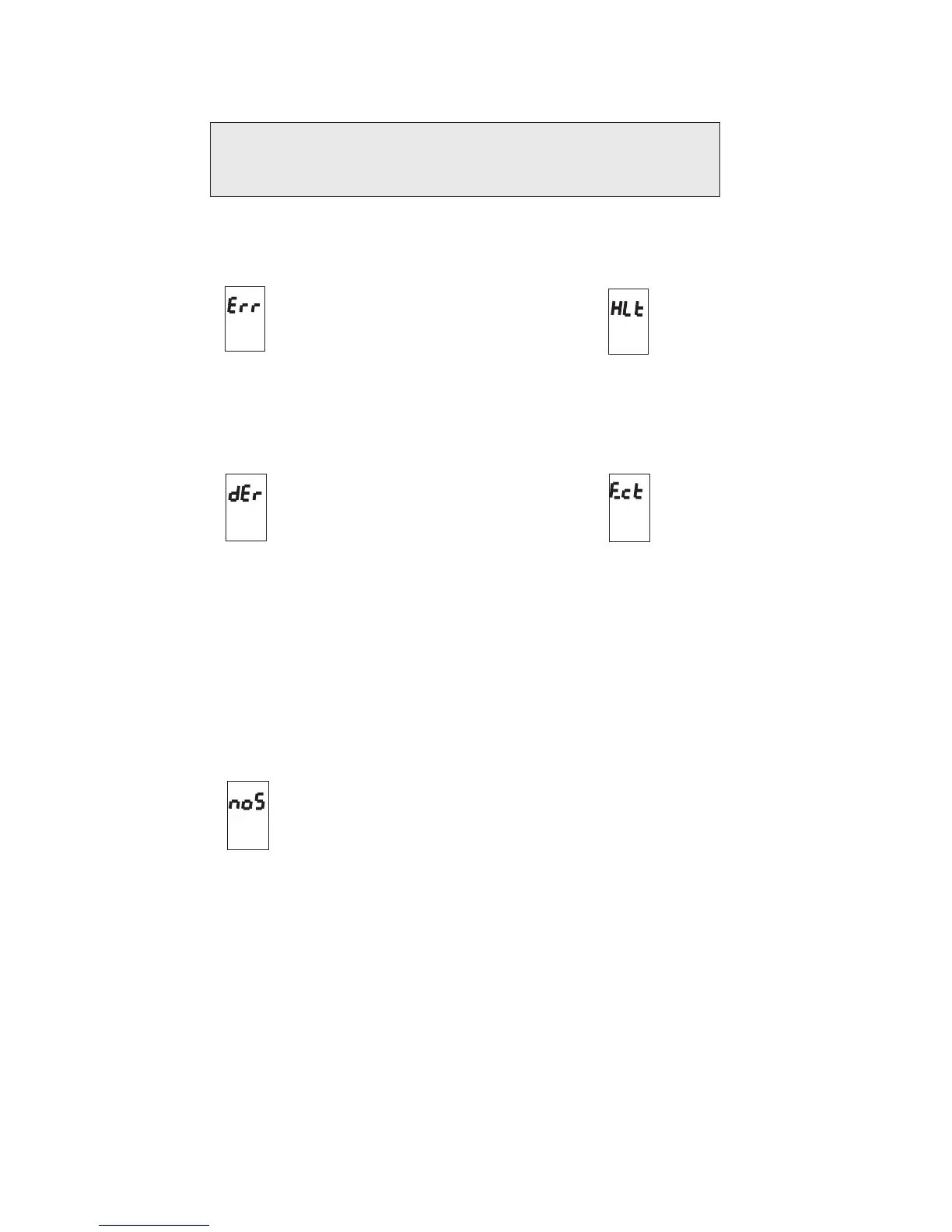
Hardware error
Disk error
Eject disk
CPU halted
No song
ERROR MESSAGES
Cause of error:
The RD-70 hes detected a fault in its electronic components
Remedy:
Contact the technical assistence centre
Cause of error:
The RD-70 has detected errors during disk reading or writing
Remedy:
If the error is displayed as soon as the disk is inserted, it means that the machine
is unable to identify it. Check that you have inserted a Midifile disk. If it is a new
disk, check that it has been formatted.
If the error is displayed during playback or recording of one or more songs, it
means that you are using a disk with demage sectors that cannot be interpreted
by a Direct-to-Disk system.
In this case, transfer the contents of the disk onto a new disk using a computer
that can handle the MS-DOS data (also see section 5.1 of this manual) .
Cause of error:
The Floppy-Disk that you have inserted does not contain data.
Remedy:
This error normally appears to confirm that formatting has been performed (blank
disk).
If the disk does contain files, they are not of the standard format read by the
machine (*.MID extension)



 To Next Page