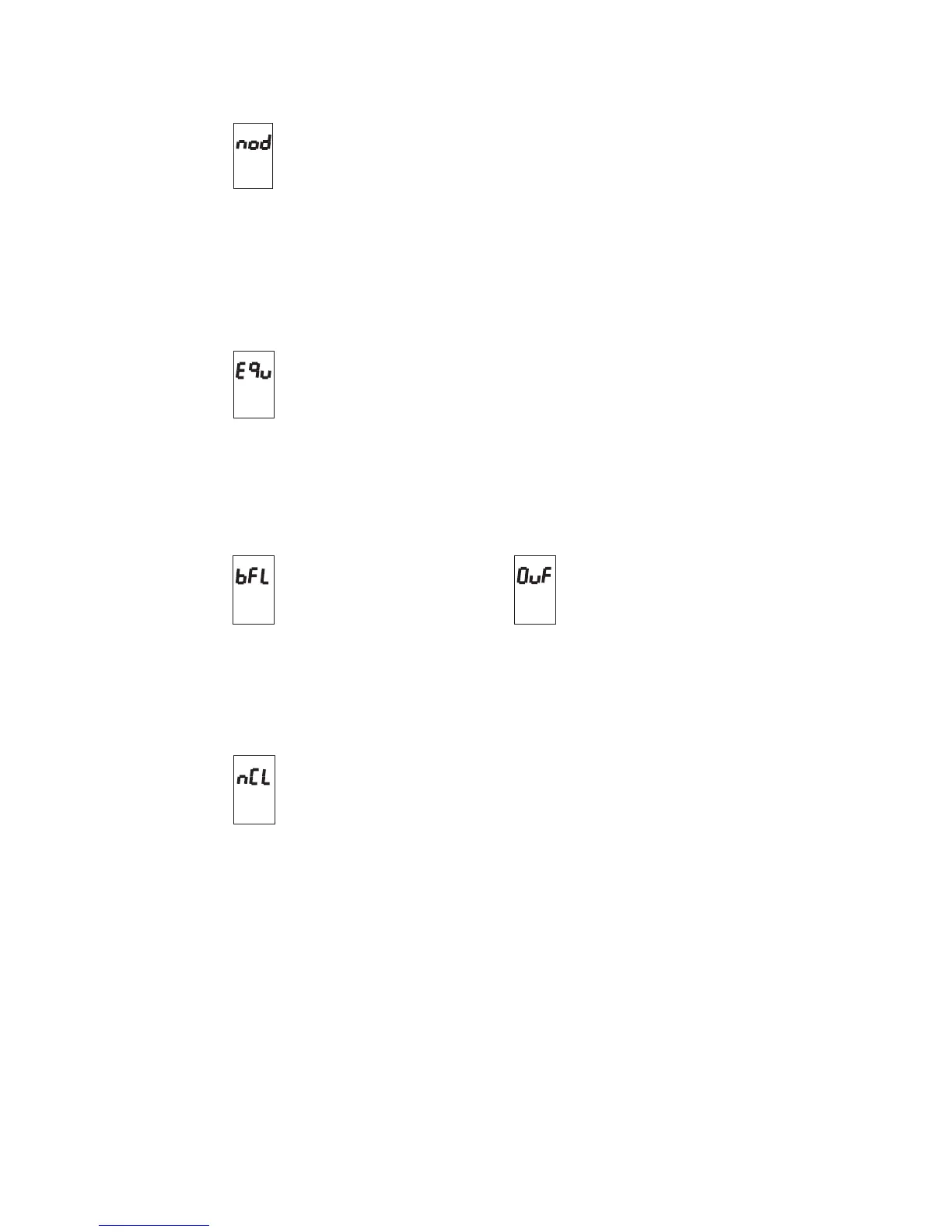
Source and destination disk are equal
No clock selected
No Disk
MIDI buffer overflow
MIDI buffer full
Cause of error:
A disk must be inserted in order to proceed with the operation.
Remedy:
Insertadisk inthedrive.
Iftheerrorappearswhena diskisalreadyinthe drive, checkthatit
hasbeeninserted correctly.
Cause of error:
During the copying operation, the RD-70 has detected that the source disk and
destination disk are identical.
Remedy:
Change the destination disk and repeat the operation.
Cause of error:
There is an overflow of incoming MIDI data at the MIDI-IN port of the RD-70.
Remedy:
Reduce the amount of data being sent to the RD-70 or send the messages at a
Cause of error:
The internal clock of the RD-70 has been disabled and there is no icoming
MIDI-CLOCK message at the MIDI-IN port.
Remedy:
Check that the MIDI line is efficent and make sure that the machine connected
to the MIDI-IN port of RD-70 is actually transmitting the MIDI-CLOCK
message. Alternatively, reset the RD-70's internal clock (see section 6.3 of
this manual).



 To Next Page