10 VISIONEER STROBE XP 200 SCANNER INSTALLATION GUIDE
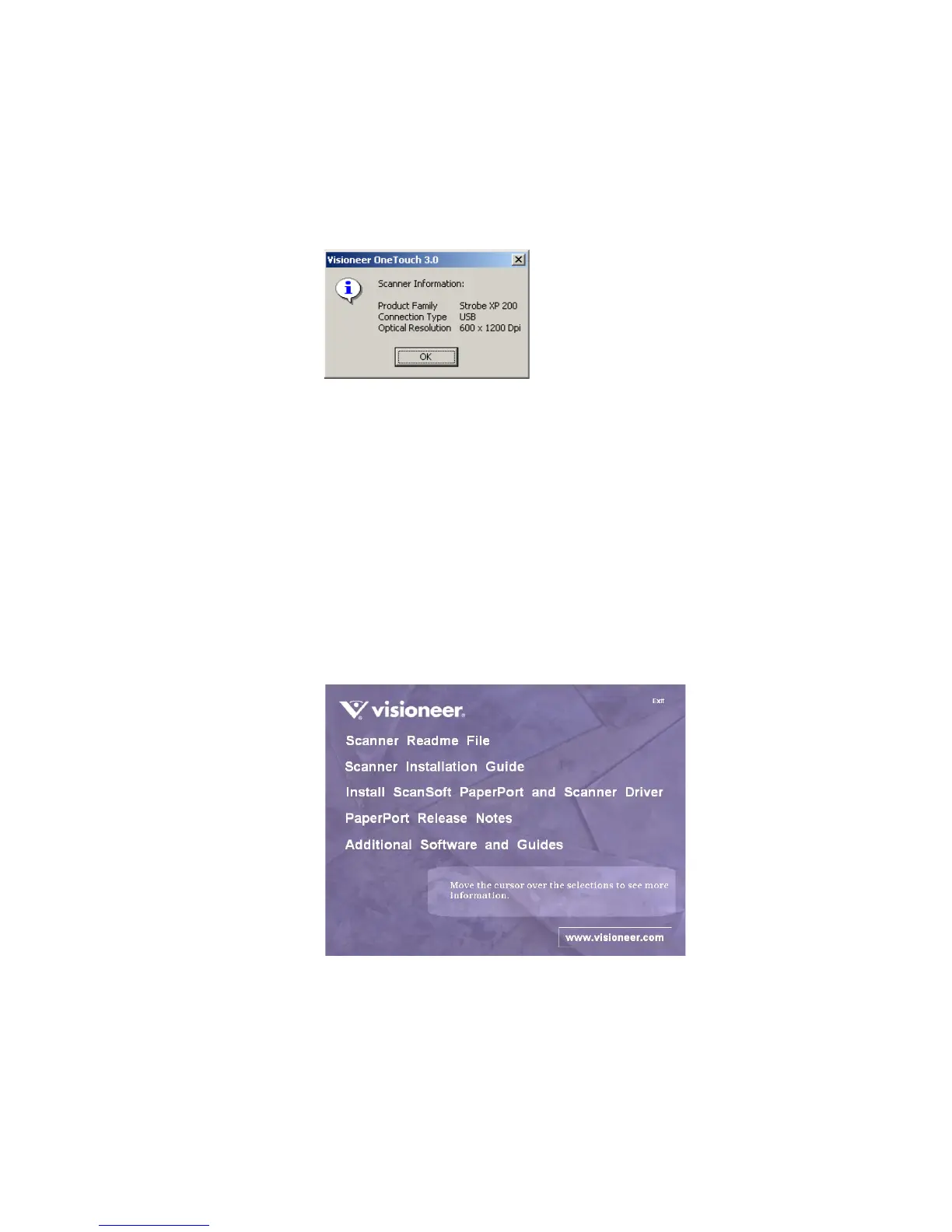
To view basic scanner information:
1. Right-click the Scanner icon, and then select About from the
shortcut menu. The Scanner Information window opens.
2. Click OK to close the window.
STEP 3: PRINT GUIDES AND INSTALL OTHER SOFTWARE
You can now install the other software from the CD.
1. After your computer and Windows restart, re-insert the CD into
the CD-ROM drive.
2. On the Installation Menu, click Scanner Readme File, Scanner
Installation Guide, PaperPort Installation Guide, or Additional
Software and Guides.
3. Follow the instructions on the screen to print guides and install
software. When you’re finished, remove the CD from the computer
and store it in a safe place.
That’s it! Your scanner is now ready to scan.














 To Next Page