12 VISIONEER STROBE XP 200 SCANNER INSTALLATION GUIDE
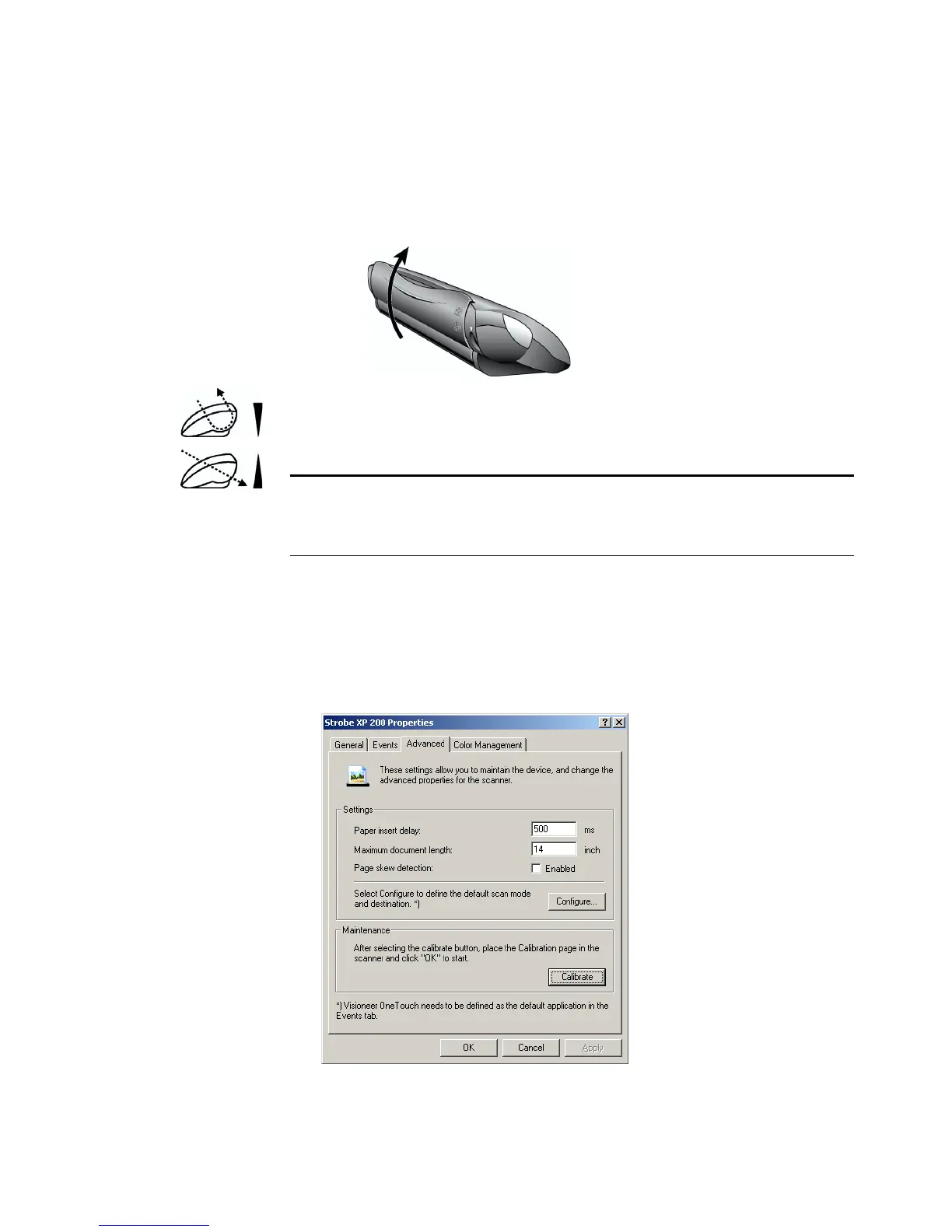
To return scanned documents back toward you, leave the paper return
in the Down position. To feed documents straight through the scanner,
move the paper return into the Up position as shown below.
The paper return icons on the back of the scanner indicate the
positioning of the paper return for each option.
SCANNER SETTINGS
The Strobe XP 200 Properties window contains advanced settings that
apply to the scanner itself, regardless of the Windows operating system,
or whether you scan using the scanner button or the PaperPort software.
Note: When scanning heavier paper that does not bend easily,
position the paper return in the Up position so that the document
feeds straight through the scanner.














 To Next Page