22 VISIONEER STROBE XP 200 SCANNER INSTALLATION GUIDE
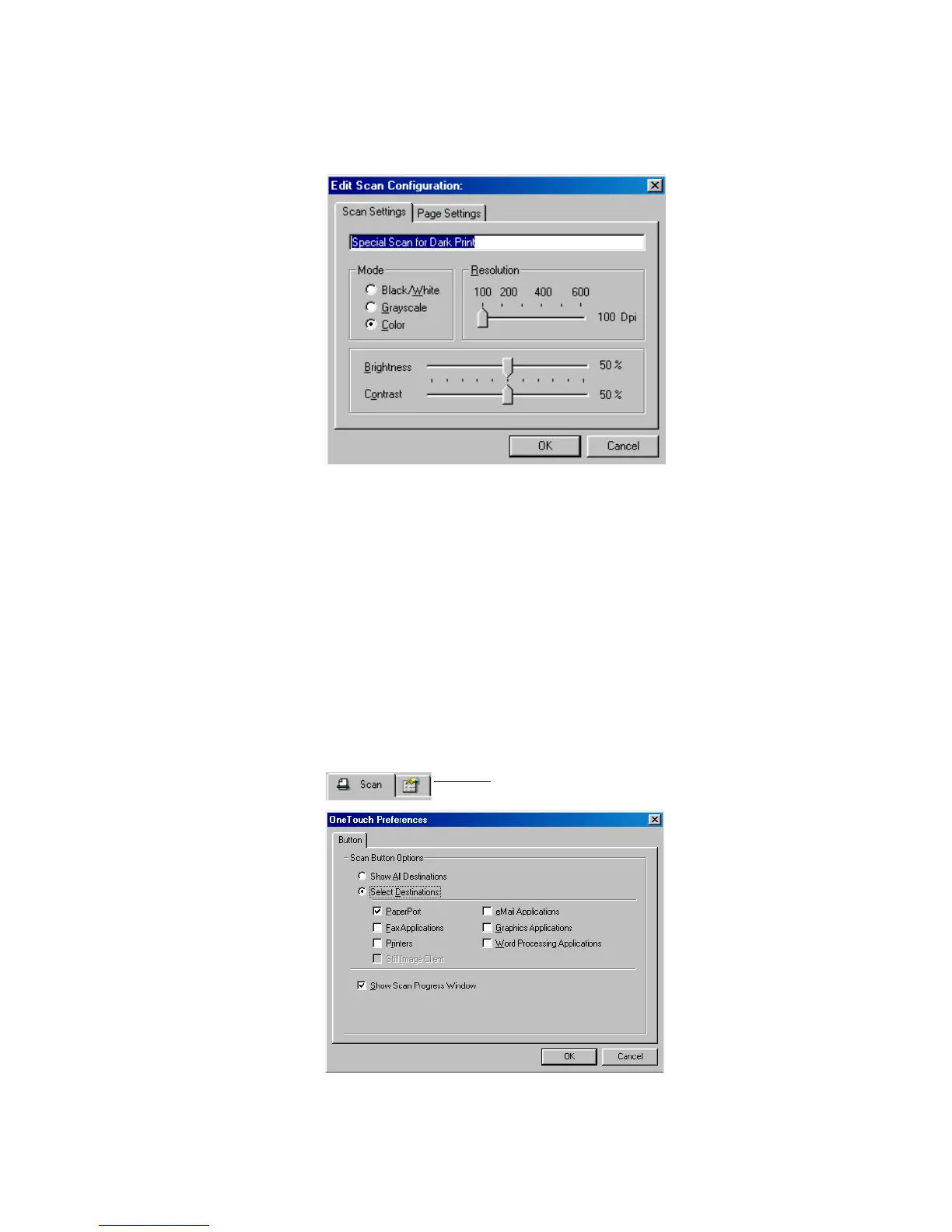
4. Edit the settings as required and click OK.
5. Click OK to close the Configuration dialog box.
SETTING PREFERENCES
You can set preferences for the Select Destination list and whether or
not to display a Scan Progress window. The settings apply to the
configurations you select for the AutoScan feature.
To set preferences:
1. Open the Configuration dialog box and click the Preferences tab.
Preferences tab














 To Next Page