CONFIGURING THE AUTOSCAN FEATURE 21
DeScreen—Select this option when scanning a picture from a
newspaper or magazine article, or other items that contain images
with patterns or dots. These patterns and dots sometimes cause a
wavy appearance for which the Descreen option can compensate.
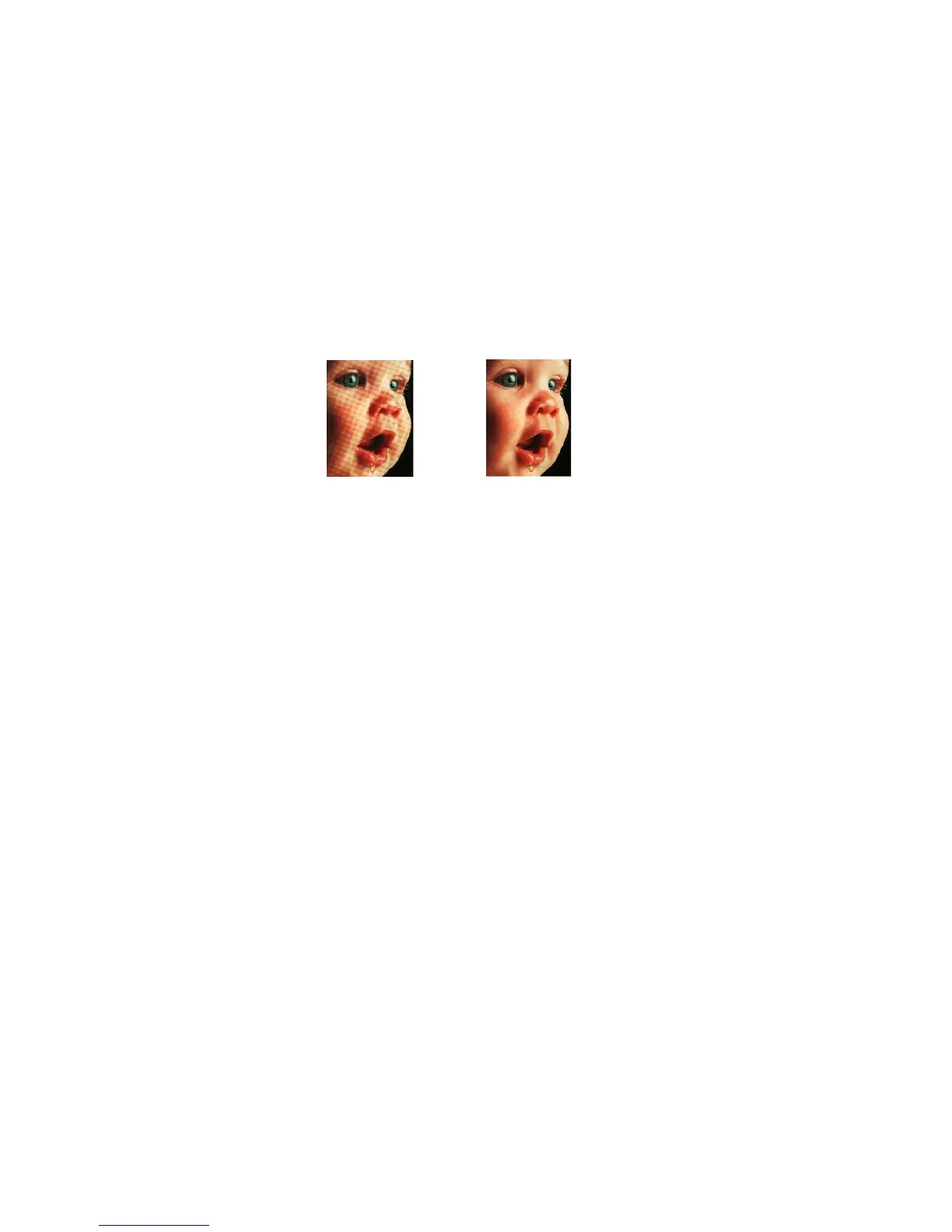
The following example shows the effect of descreening a scanned
image from a magazine article.
The scanning may slow down a bit when descreen is selected. The
DeScreen option does not apply to the Black/White mode.
6. Click OK to save the new configuration.
7. To set the new configuration for use by the AutoScan feature, select
the configuration and then click OK.
EDITING AUTOSCAN CONFIGURATIONS
You cannot edit the preset configurations; you can only edit those
configurations that you created yourself.
To edit a configuration:
1. Open the Configuration dialog box.
2. Select the configuration you want to edit. The selection must be
one of the configurations you created.
3. Click the Edit button.
The Edit Scan Configuration dialog box opens.
Original Image Descreened Image














 To Next Page