CONFIGURING THE AUTOSCAN FEATURE 19
CREATING A NEW AUTOSCAN CONFIGURATION
You cannot change settings of the preset (default) configurations. To use
AutoScan with settings other than those offered by the preset
configurations, you must create a new configuration. You can do this
either by copying a preset configuration and making the desired changes
or by creating a new configuration from scratch.
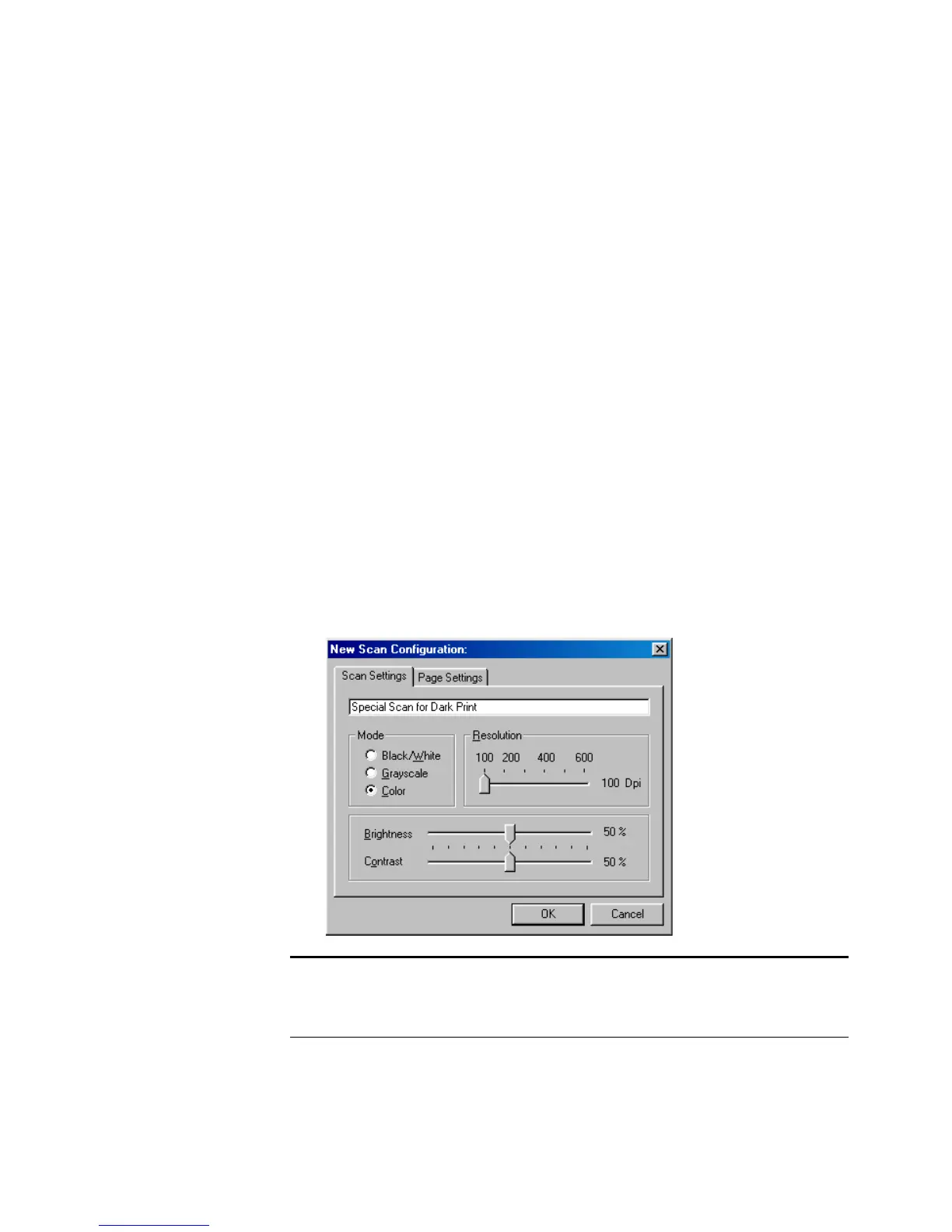
To create a new configuration:
1. Scroll the applications in the Select Destination list and click the
application for which you want to create a new configuration.
2. Do one of the following:
■ Click the New button.
■ Select a preset configuration and click the Copy button.
3. On the New Scan Configuration dialog box, type a name.
■ If you are copying from a preset configuration, leave the name as
is or change it as required.
Note: If you select a printer or other device in the Select
Destinations list, the dialog box may have an additional tab for
setting specific options for the particular device.














 To Next Page