4
V
ISIONEER
S
TROBE
XP 200 S
CANNER
I
NSTALLATION
G
UIDE
Installing
Installation is a quick, three-step process:
■
Install the software
■
Connect and calibrate the scanner
■
Print guides and install other software from the CD
S
TEP
1: I
NSTALL
THE
S
OFTWARE
To install the software:
1. Start Microsoft Windows and make sure no other applications are
running.
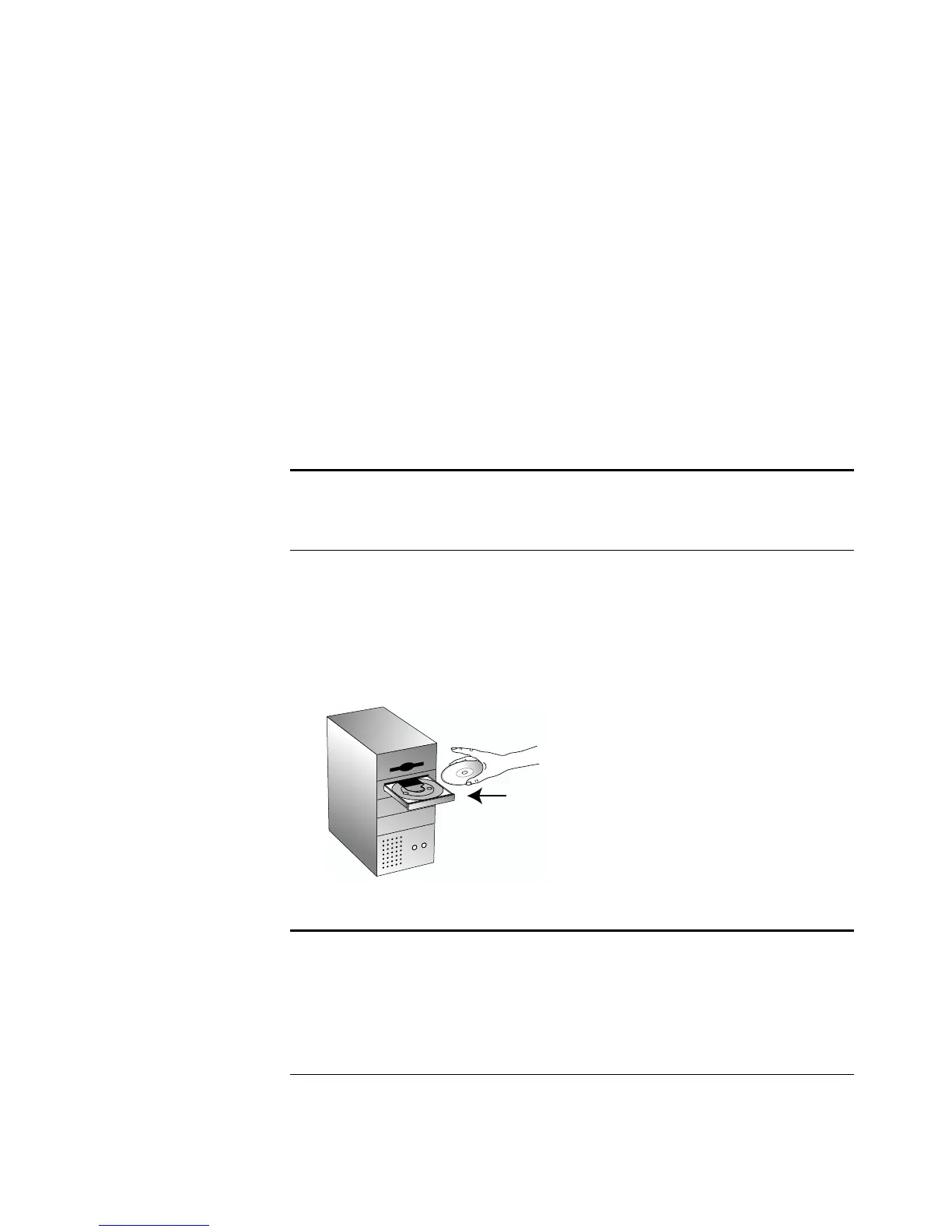
2. Insert the CD into your computer’s CD-ROM drive.
The CD automatically starts.
Note
: You must install the software
before
connecting the scanner to
your computer. Otherwise, the correct driver software for your
scanner will not be installed and it may not work properly.
Note
:
If the CD does not start, check the following:
■
Make sure the CD drive’s door is completely shut.
■
Double-click the My Computer icon on your desktop. Double-
click the icon for your CD-ROM drive. From the list of files on
the CD, double-click the file named START32.EXE.














 To Next Page