SCANNING FROM THE PAPERPORT SOFTWARE 35
FINE TUNING YOUR SCANS
You can select new settings before you scan an item to fine tune exactly
how you want to scan a particular item.
To select the scanner settings before you scan:
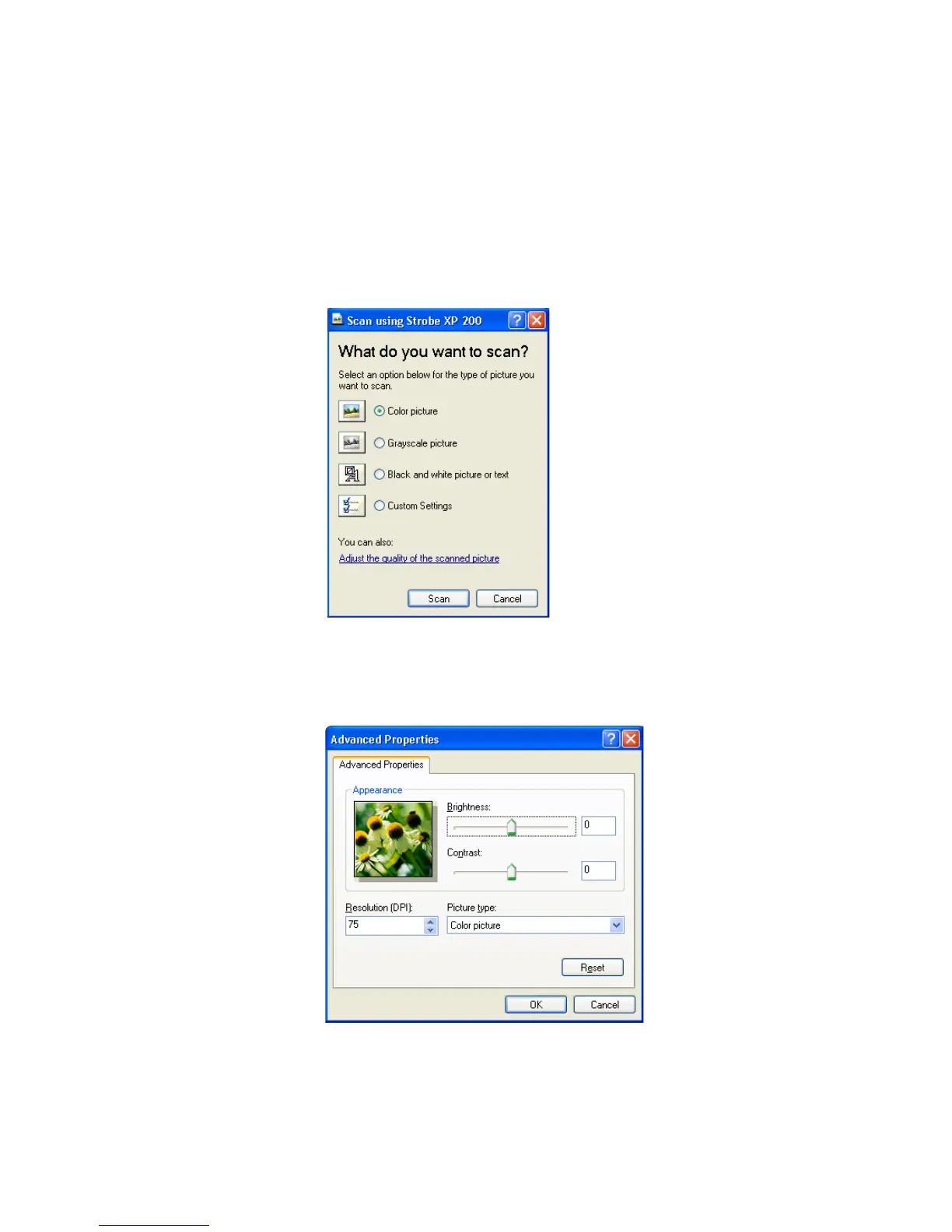
1. On the Scan using Strobe XP 200 window, click Adjust the
quality of the scanned picture.
The Advanced Properties dialog box opens.














 To Next Page