RECALIBRATING YOUR SCANNER 39
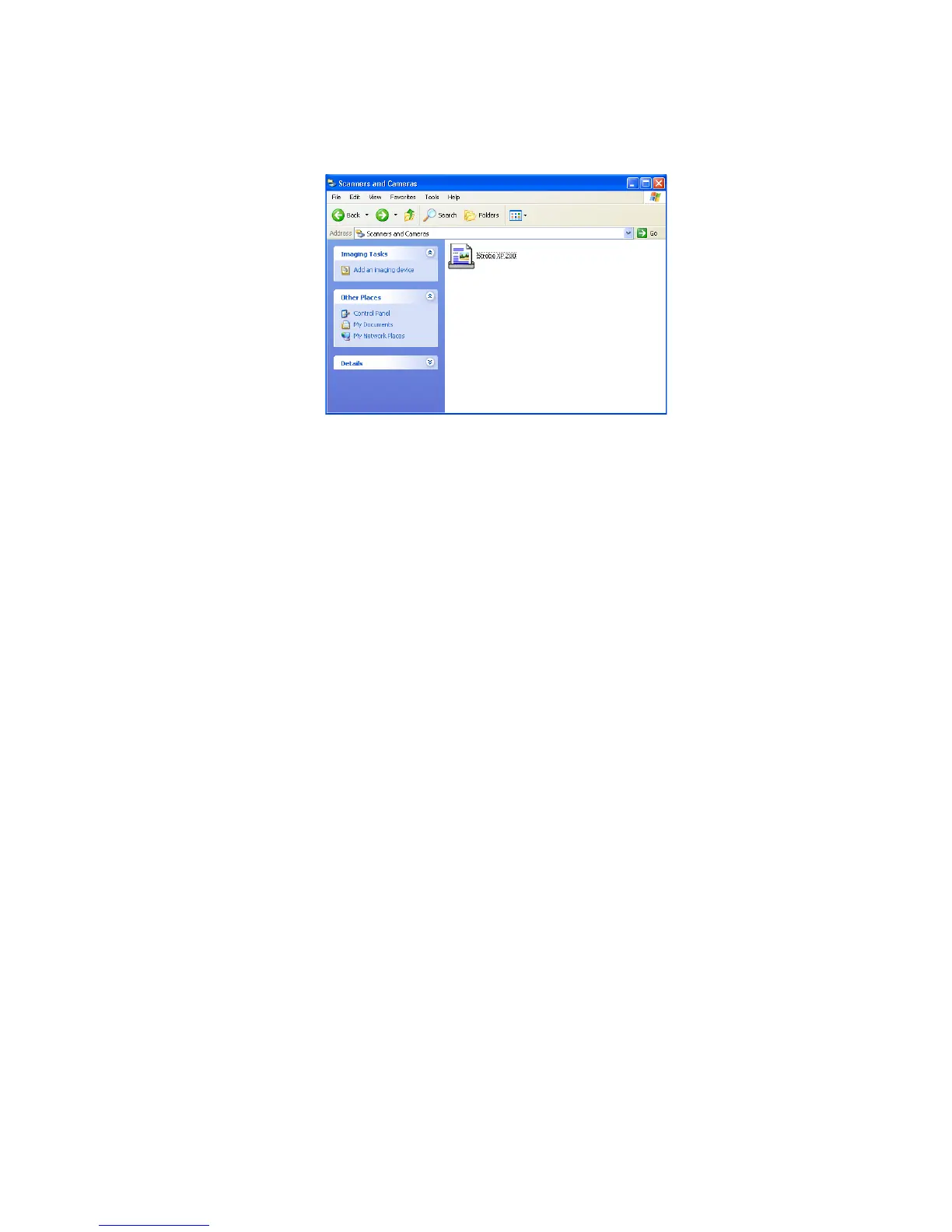
3. On the Scanners and Cameras window, right-click the Strobe XP
200 icon and select Calibrate from the menu.
4. Insert the calibration paper face up into the scanner, and then click
OK to start the calibration.
5. When finished, click OK to acknowledge and close the message.














 To Next Page