Sharpness:
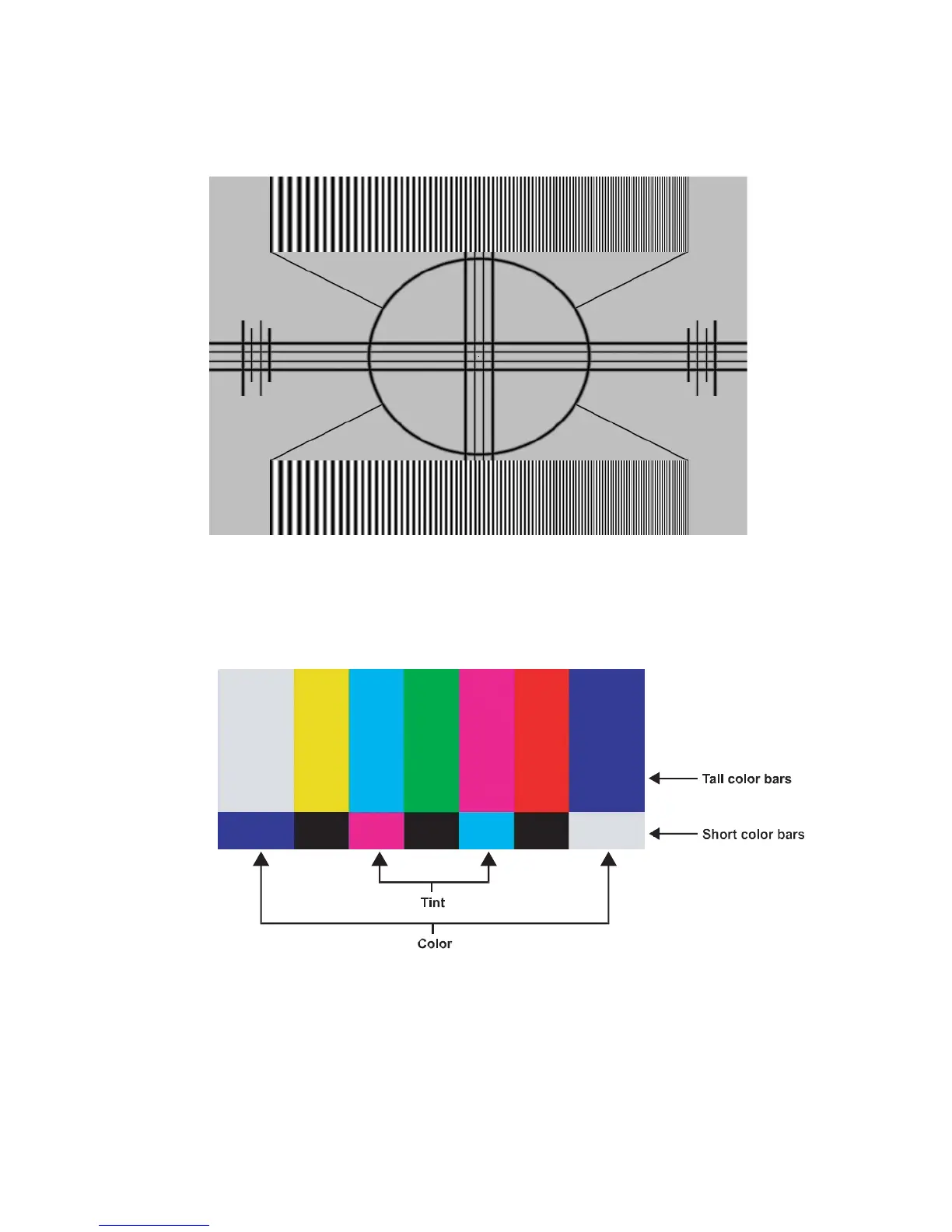
“Sharpness” is the amount of high-frequency detail in the image. To adjust sharpness, select Sharpness from
the Video Settings menu. On your external test pattern source, select a pattern like the one shown in Figure 4-4. Adjust as
needed, looking for white edges around the transitions from black to grey and differently-sized lines in the “sweep”
patterns at the top and bottom. Lower the sharpness setting to eliminate them.
Figure 4-4. Typical Test Pattern for Adjusting Sharpness
Saturation:
On your external test pattern source, select a colour bar pattern like the one shown in Figure 4-5.
Figure 4-5. Typical Colour Bar Pattern for Adjusting Colour Saturation and Hue



 To Next Page