14
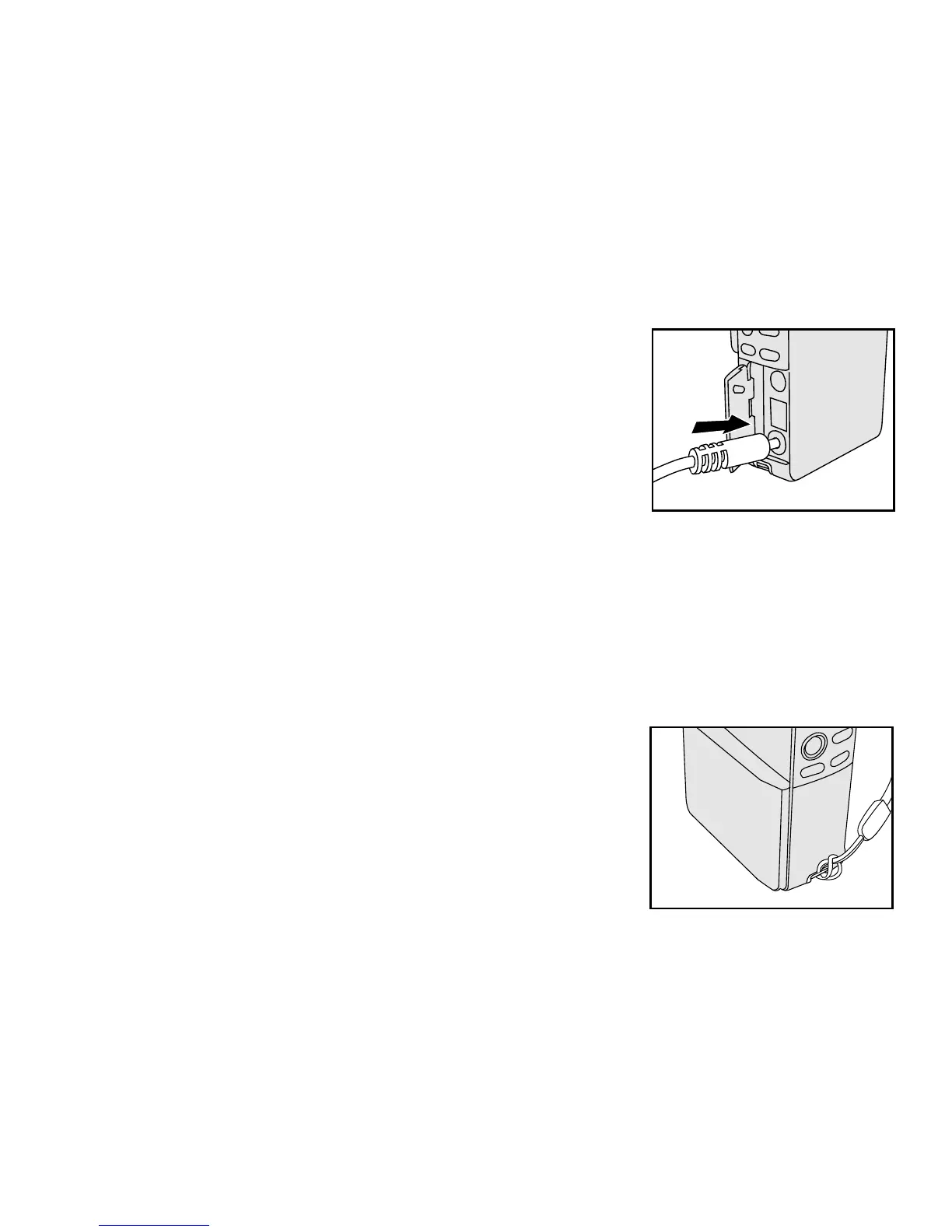
Using an AC power adapter (optional accessory)
1. Connect one end of the AC power adapter to the jack labeled “DC IN”.
2. Connect the other end to an electrical outlet.
Note:
Make sure to use only the AC power adapter specified for the camera. Damage caused by the use of an
incorrect adapter is not covered under the warranty.
Using an AC power adapter while transferring images to your computer prevents unexpected automatic
power off of the camera.
Attaching the hand strap
To prevent accidental dropping of the camera, always use the hand strap.
Attach the hand strap as follows:
1. Thread the small loop of the hand strap through the strap eyelet
on the camera.
2. Pull the large loop through the small loop until the strap is firmly secured.



 To Next Page