24
PLAYBACK MODE
In the playback mode, you can view, magnify, protect, and delete images. You can even run a slide show.
Playback mode also provides a thumbnail image display, allowing you quickly search for the image or movie you
want.
Viewing images
1. Turn on your camera.
2. Press the playback/ pause button.
3. Select the image you want to view by using the or buttons.
To view the previous image, press the button.
To view the next image, press the button.
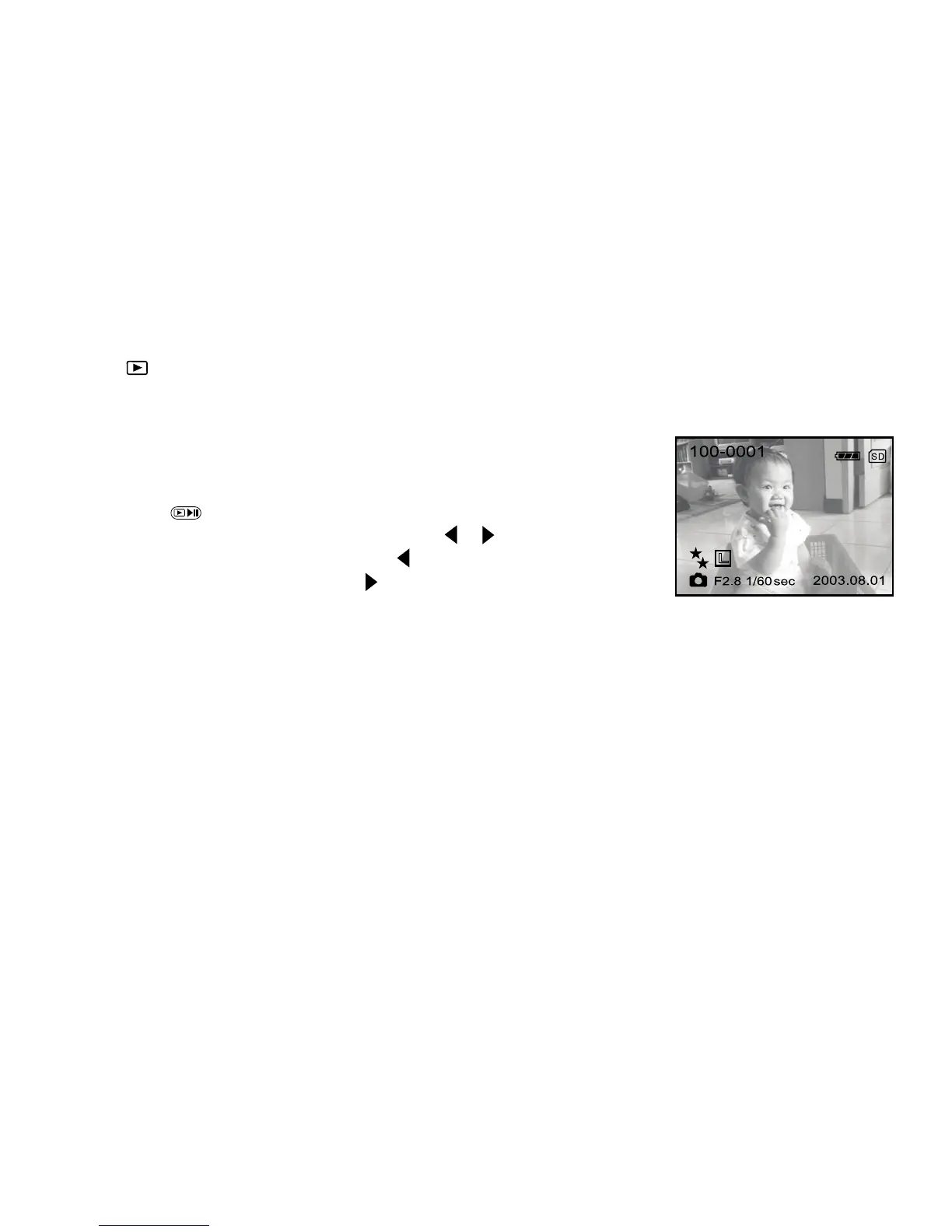
The LCD monitor displays the detailed information such as image size,
image quality, date, exposure time,aperture value, file and folder
number.
Note:
You can also view your images on the TV screen. Connect one end of the A/V cable to the A/V OUT jack of
the camera and the other end to the video input socket on your TV. Turn on both TV and DV camera and press
the button to display images and videos on your TV screen.
When connected to a TV the LCD monitor on your DV camera will automatically turn off to save power.
You may specify the video-output standard (NTSC or PAL) in the setup menus.



 To Next Page