44
Date type
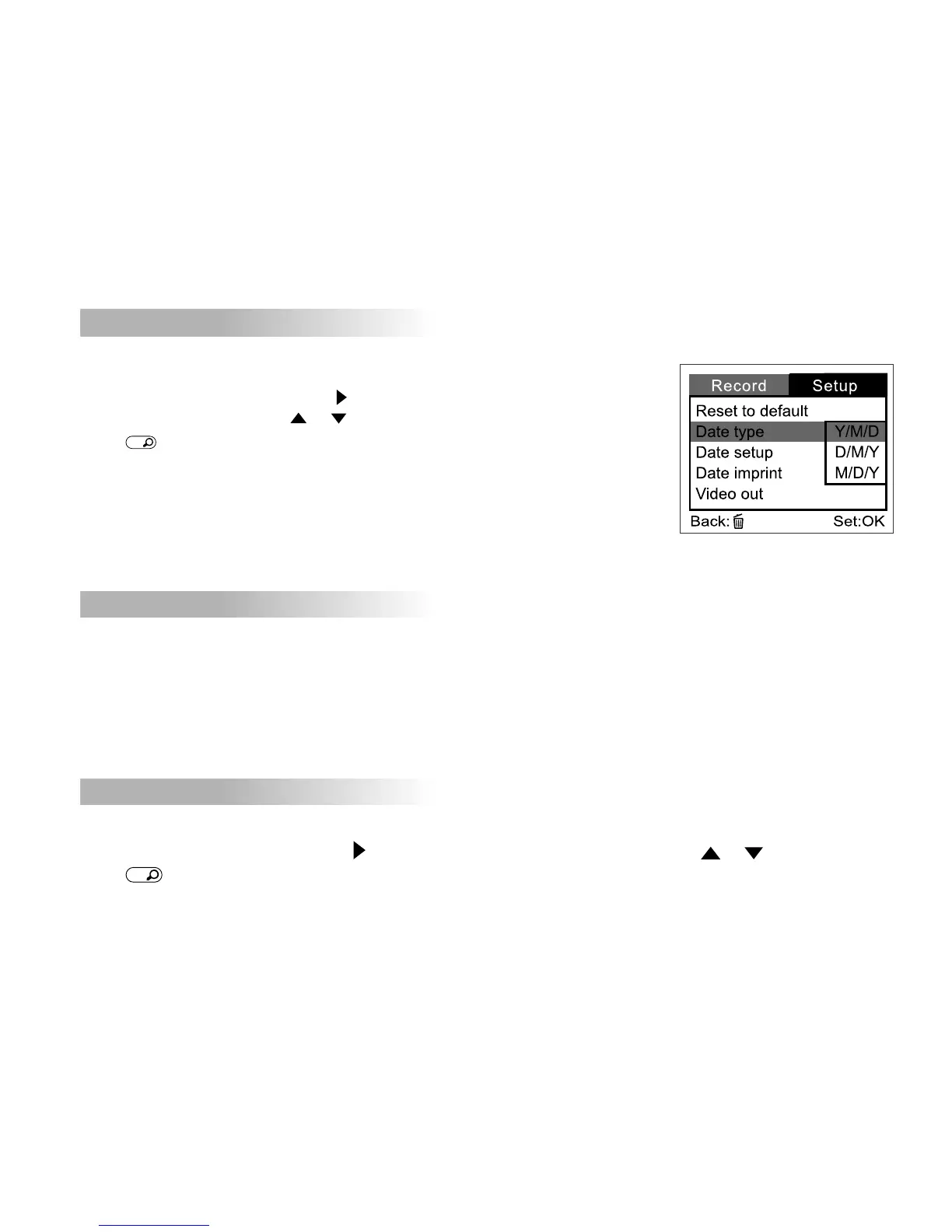
You can select the date type that is imprinted on your image.
To set the date type, first press the button. Then select the date
type you prefer by using the or buttons and then
press
OK
button to confirm.
[Y/M/D] : Year/Month/Day
[D/M/Y] : Day/Month/Year
[M/D/Y] : Month/Day/Year
Date setup
After removing the batteries from the camera, the date and time will return to the default setting. If this happens,
you may reset the date and time.
For more information about the date setup, refer to “Setting the date and time”.
Date imprint
If you select the imprint feature, the date will be embedded into your images.
To enable this function, first press the button. Then select [On] or [Off] by using the or buttons and then
press
OK
button to confirm.



 To Next Page