41
Format
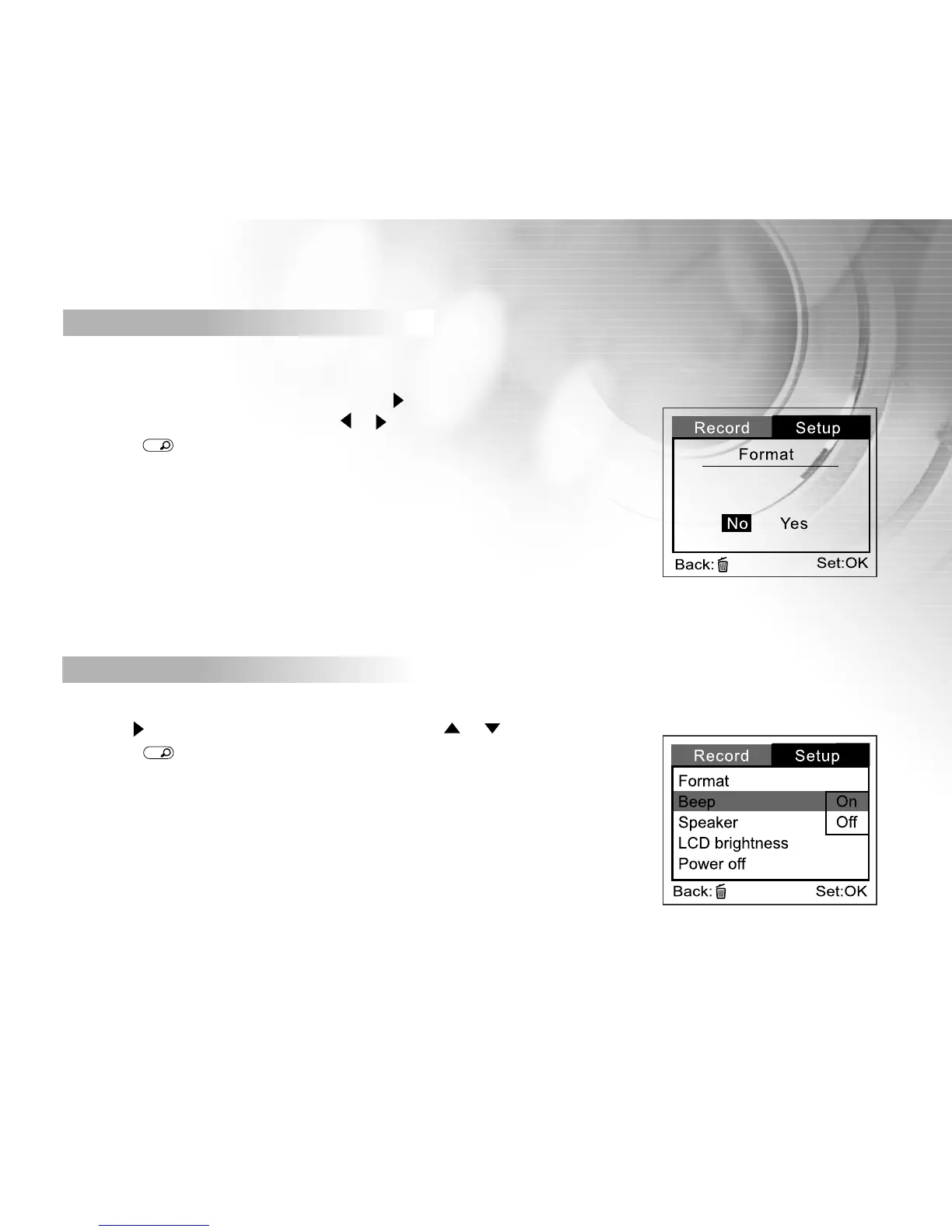
This option formats the internal memory (or SD memory card) and erases all stored images and data.
To perform the format function, first press the button.
Then select [No] or [Yes] by using the or buttons,
then press
OK
button to confirm. A progress bar displays
the formatting progress.
[ No ] : Does not format the internal memory/SD card
[YES] : Formats the internal memory/SD card and erase all images
Beep
The DV camera will makes a sound (beep) each time you press a camera button if this function is enabled.
Press the button. Select [On] or [Off] by using the or buttons,
then press
OK
button to confirm.
[On] : Enable beeper
[Off] : Disable beeper



 To Next Page