39
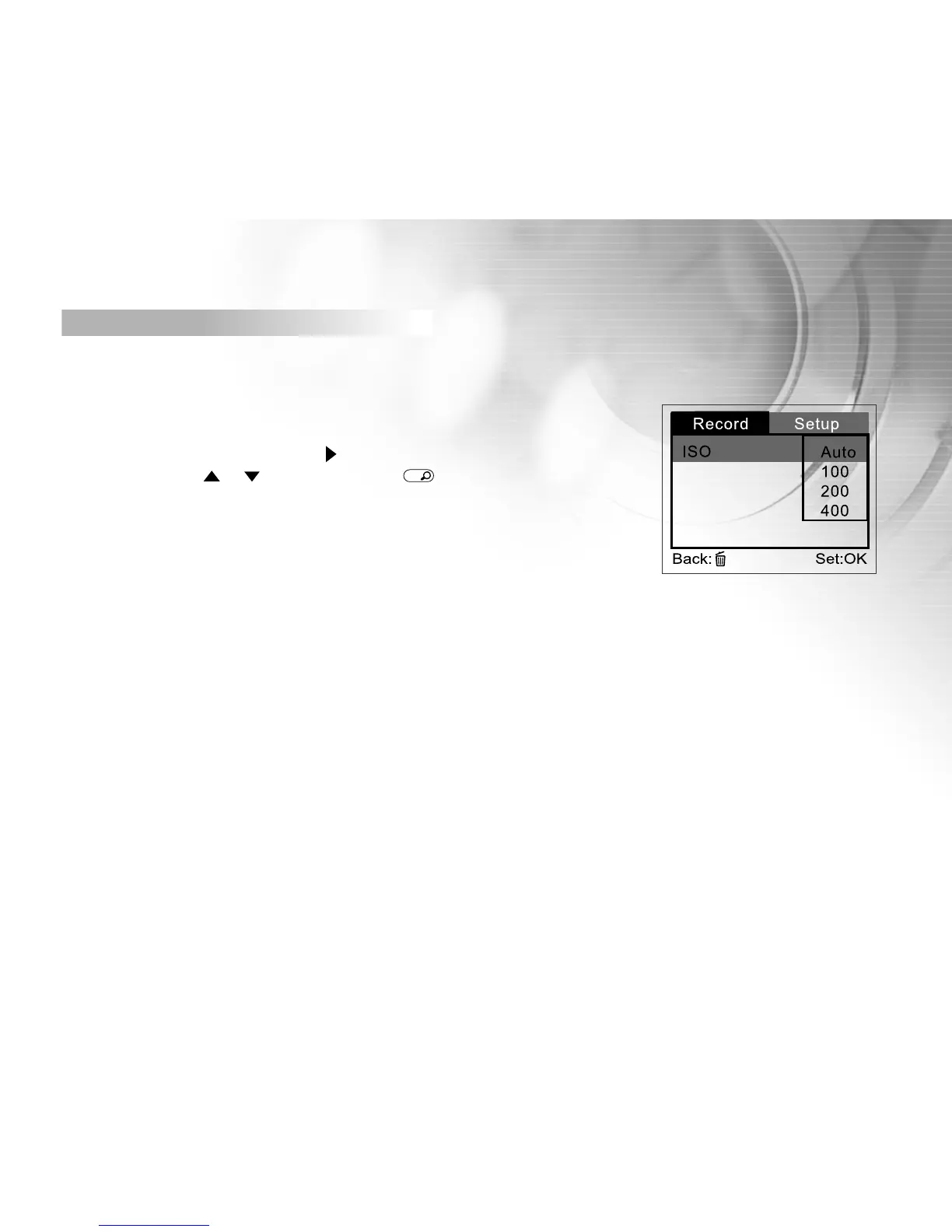
ISO
You may specify the ISO to be used when an image is taken. A higher ISO
sensitivity value increases the camera’s sensitivity to light. However, higher
ISO also introduces more noise (speckles) into the image. With a higher sen-
sitivity selected, images can be taken with less light.
To set the ISO speed, first press the button. Then choose the ISO speed you
prefer by using the or button, then press
OK
button to confirm.
[Auto] : Automatic ISO adjustment
[100 ] : Sensitivity equivalent to ISO100
[200 ] : Sensitivity equivalent to ISO200
[400 ] : Sensitivity equivalent to ISO400
Speaker



 To Next Page