18
Self-timer
Use the self-timer when taking group shots.The self-timer duration is 10 seconds. After the self-timer is set, the
shutter automatically releases after 10 seconds.
The self-timer LED starts blinking slowly for 7 seconds and then rapidly for the last 3 seconds.The self-timer can
be used for still-images, not videos.
1. Secure your camera on a tripod or place it on a stable surface.
2. Turn on your camera.
3. Compose the picture.
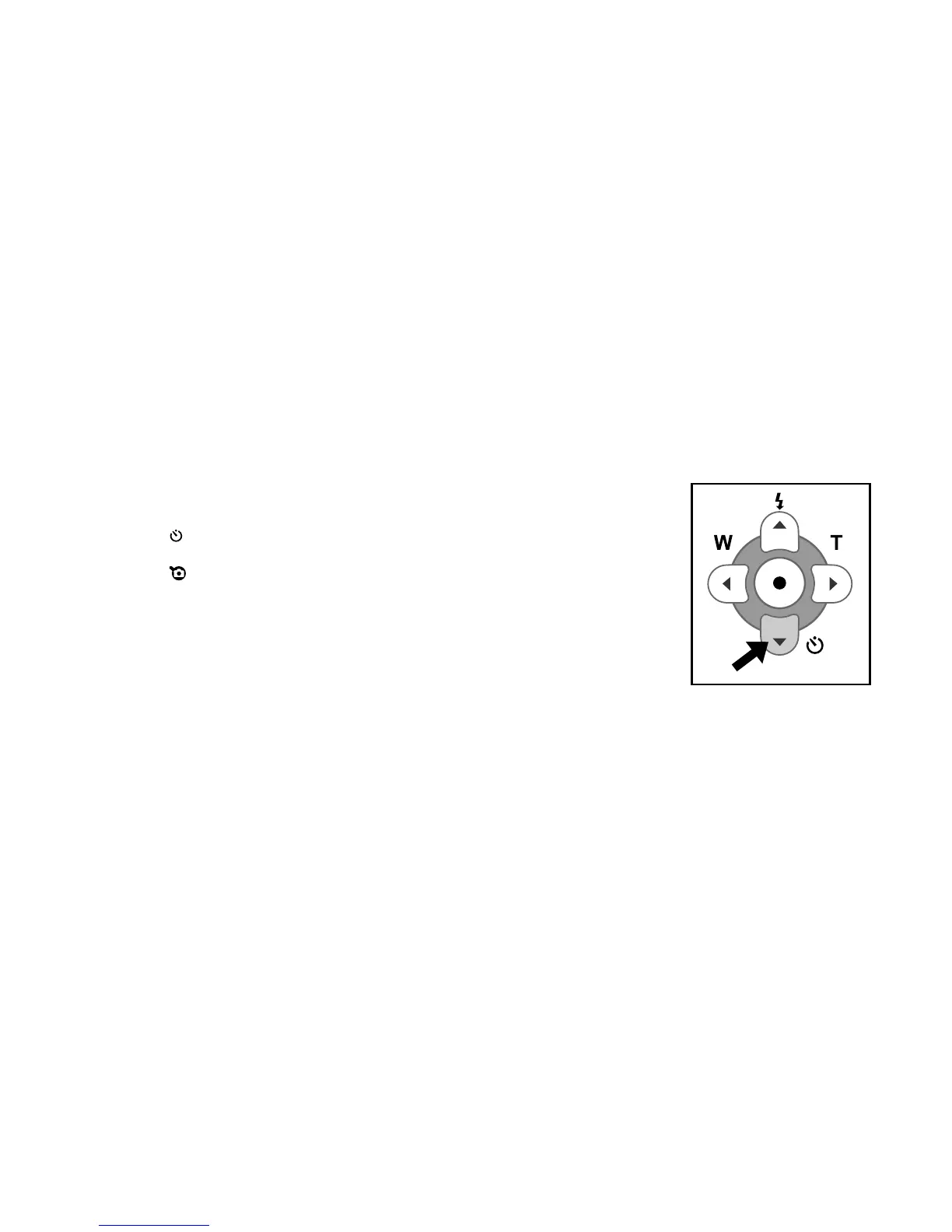
4. Press the self-timer button.
The count down is displayed on the LCD monitor.
5. Press the shutter button.
To cancel the self-timer photography at any time,
press the self-timer again to disrupt the sequence.
Note:
After an image is taken using the self-timer, the self-timer mode is turned off.
If you wish to take another image using the self-timer, repeat these steps.



 To Next Page