46
Playback menu
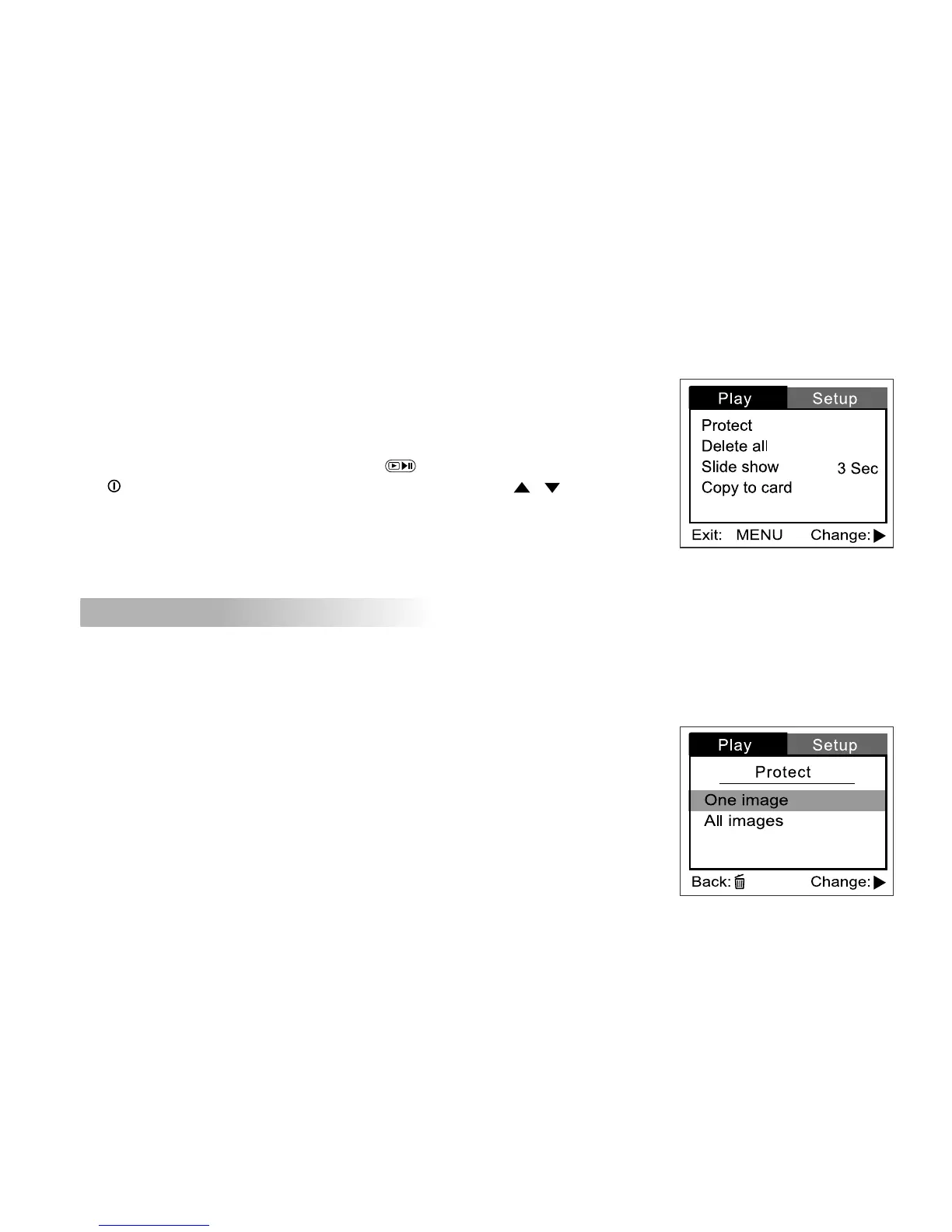
Use the Playback menu to transfer your recorded video clips/captured images
to a memory card or to create an on-camera slide show displaying. You may
also use the Playback menu to protect or delete all images from the camera’s
memory card or an internal memory.
To access the Playback menu, press the button first and then press
the button. Scroll through the menu options by using the / button.
Playback menu items: Protect, Delete all, Slide show and Copy to card.
Protect
This feature prevents images from being deleted accidentally.
Refer to section in this manual titled “Protecting video clips/images”
for further detail.



 To Next Page