28
Deleting video clips and images
Your still-images and video clips are stored in either internal memory, or on an SD memory card. Whenever a
memory card is inserted, the camera will automatically use the card, exclusively, in preference to internal memory.
If the card is removed, the camera will revert to using internal memory. It is possible to have images stored on
both card and internal memory.
To delete a video clip or image that has been recorded in internal memory, do not insert a memory card in the
camera.
Delete one video clip/ image at a time
1. Turn on your camera.
2. Press the playback/ pause button to view the
recorded video clips/images.
3. Select an unwanted video clip/image by using the or buttons.
4. Press the button.
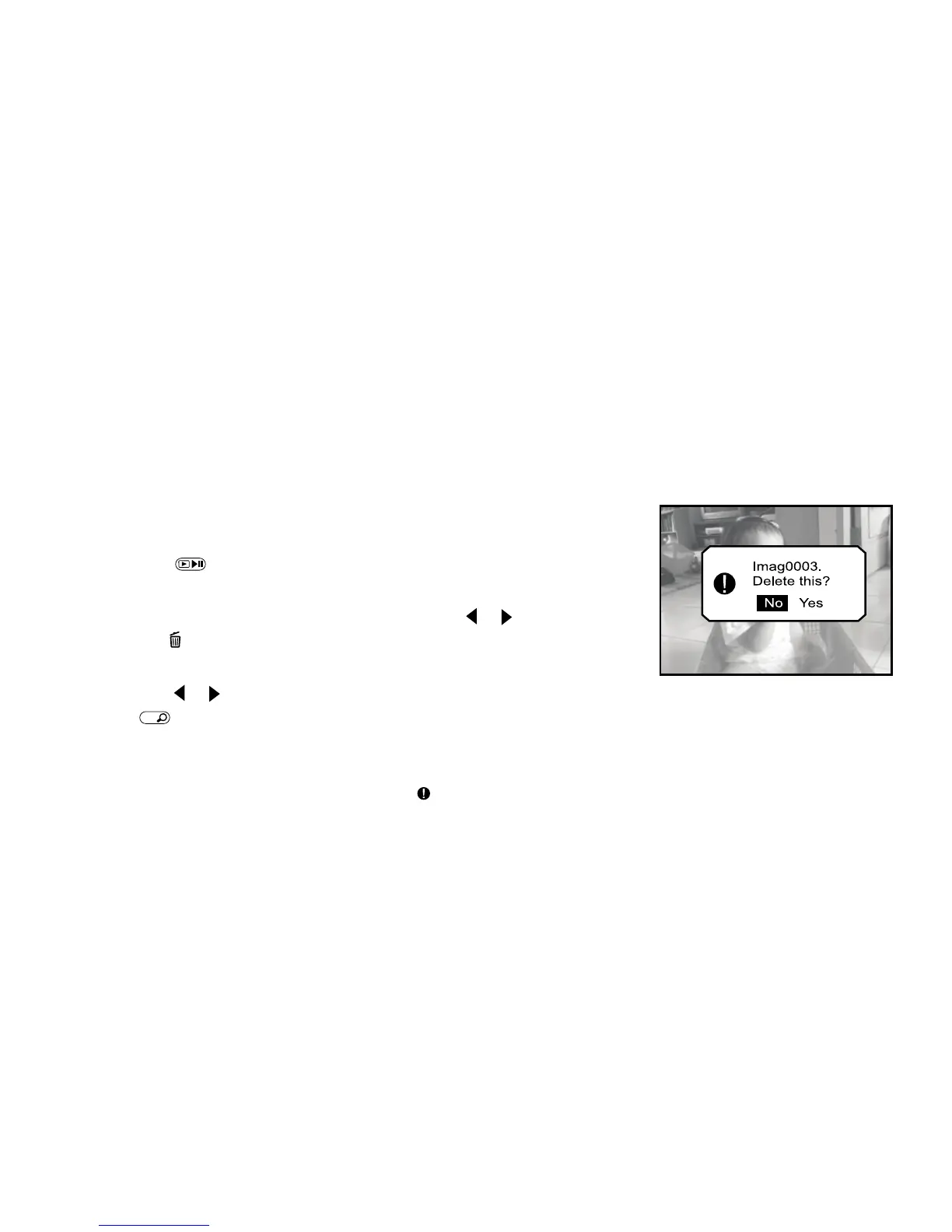
5. “Delete this?” message appears on the image.
Use the or buttons to select [Yes], and then press
the
OK
button to confirm.
If you want to cancel the deletion, select [No].
6. Repeat the above steps to delete further video clips or images.
If all video clips/images are deleted, the [ No images!] message pops up.
jpg



 To Next Page