42
Speaker Volume
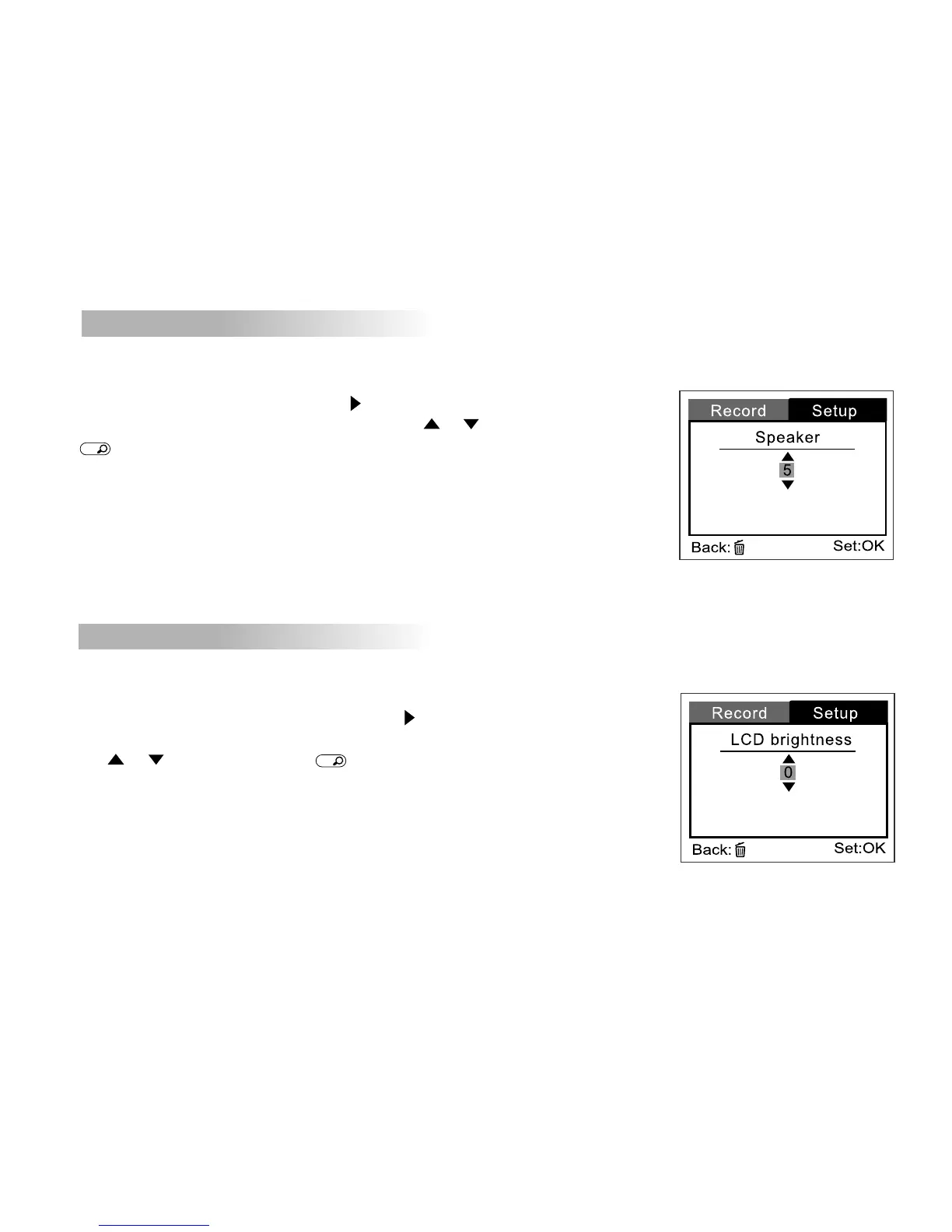
You may adjust the volume of the speaker - used when movies are played back.
To set the sound level, first press the button.
Then increase or decrease the sound using the or buttons, then press
OK
button to confirm.
The volume level can be adjusted from 0 to 5.
LCD brightness
This option adjusts the brightness of the LCD monitor.
To adjust the LCD brightness, first press the button.
Then increase or decrease the LCD brightness by using
the or buttons, then press
OK
button to confirm.
The adjustment is from -5 to +5.



 To Next Page