17
CAPTURING STILL IMAGES
Basic settings
Digital zoom (Preview)
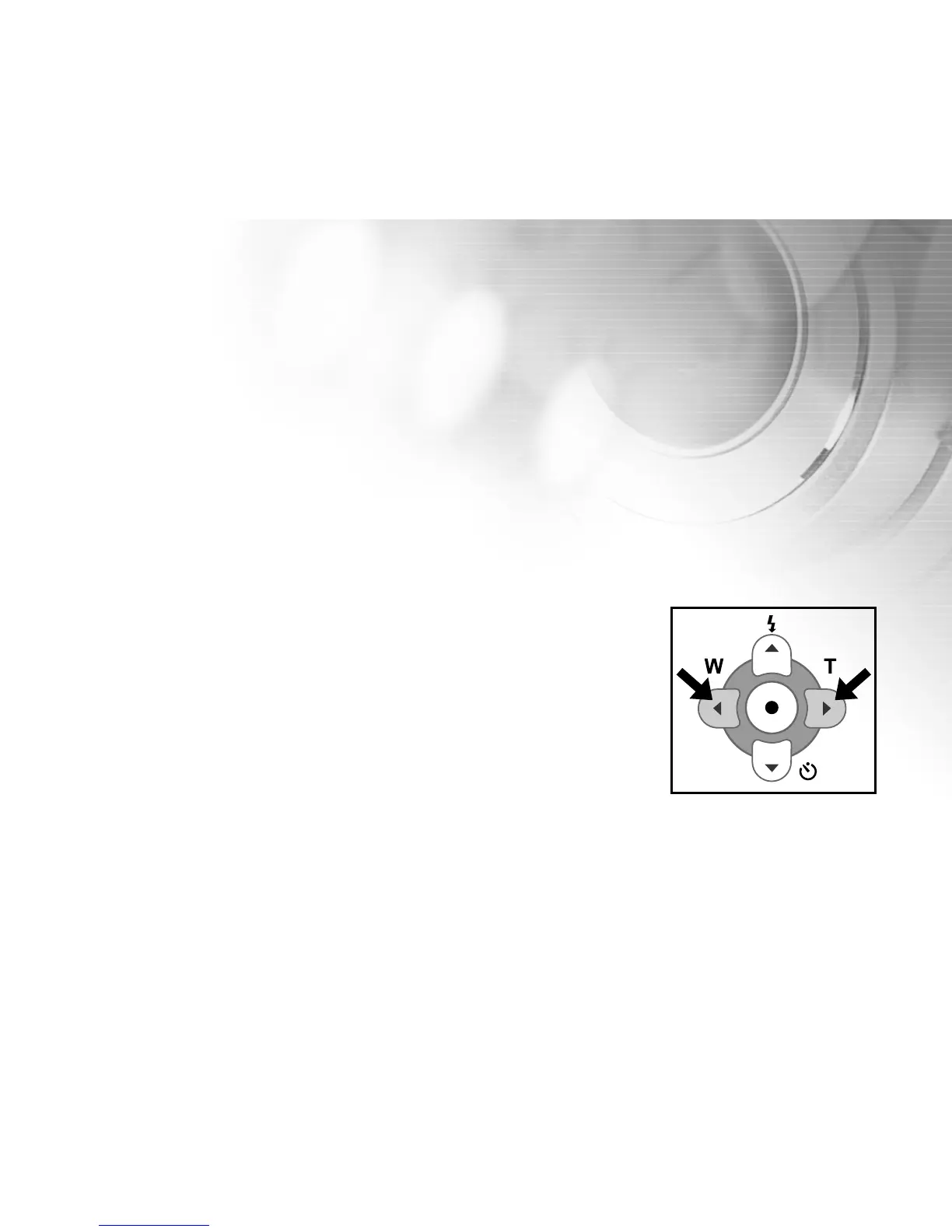
Using the digital zoom, the image in the LCD display can be enlarged by pressing the (T) telephoto button so that
the subject appears closer or appears further away by pressing the (W) wide-angle button.
Note
although the image in the LCD may be zoomed up to 2.5x, the still-image will be captured at 1X (no zoom.)
1. Turn on your digital video camera.
2. Open the LCD monitor.
3. Press the (T) telephoto button to activate the zoom function.
Digital zoom’s range is from 1x to 2.5x.
The digital zoom magnification appears on the LCD monitor.
4. Use the (T) telephoto button or (W) wide-angle button to adjust the zoom state.
Note:
It is not possible to capture a zoomed still-mage (Only videos use zoom for capture).



 To Next Page