47
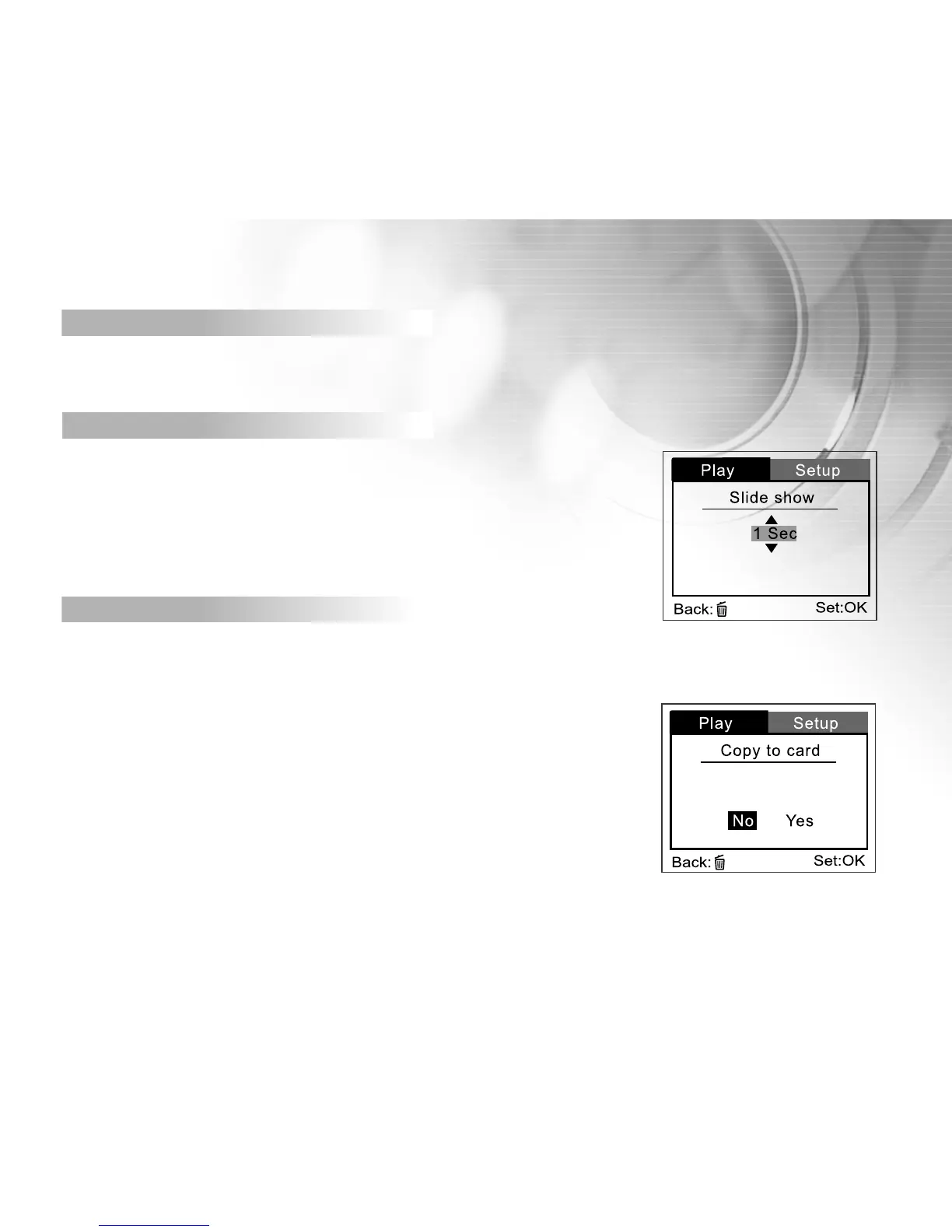
Slide show
Your camera can display your images sequentially as a slide show at a
selected interval.
[1 Sec], [3 Sec], [5 Sec], [7 Sec], [9 Sec]
Copy to card
This feature allows you to copy your images from the camera’s
internal memory to a memory card. Of course, you can
only do this if you have a memory card installed and some
images in internal memory.
[ No ]: Does not copy the images
[Yes]: Copy all images to the memory card
Delete all
Refer to section in this manual titled “ Deleting video clips/ images”



 To Next Page