DLP Projector—User’s Manual
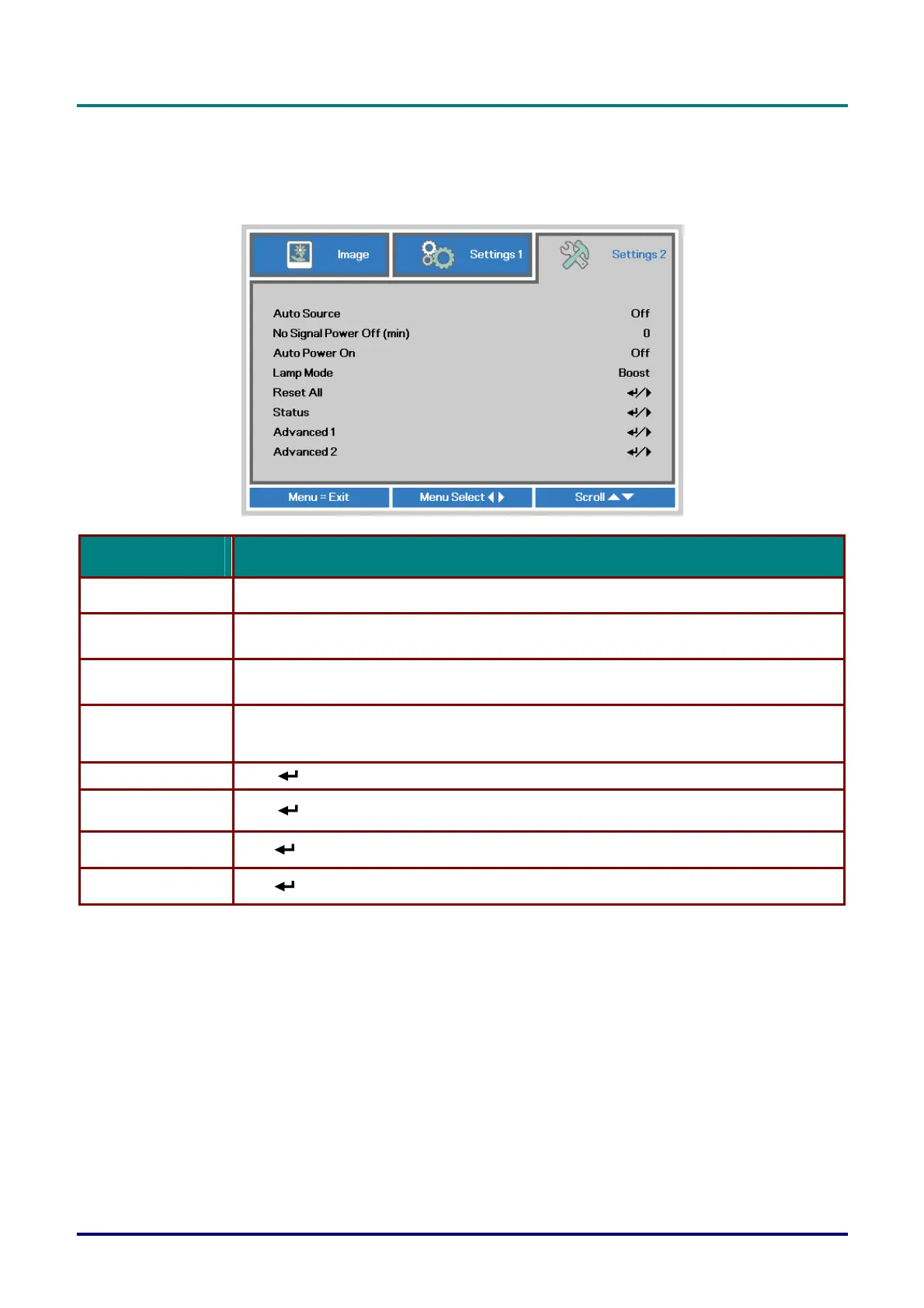
Settings 2 Menu
Press the MENU button to open the OSD menu. Press the cursor ◄► button to move to the
Settings 2 menu. Press the cursor ▲▼ button to move up and down in the Settings 2 menu.
ITEM DESCRIPTION
Auto Source Press the cursor ◄► button to enter and enable or disable automatic source detection.
No Singal Power Off
(min.)
Press the cursor ◄► button to enter and enable or disable automatic shutdown of lamp when
no signal.
Auto Power On
Press the cursor ◄► button to enter and enable or disable automatic power On when AC power is
supplied.
Lamp Mode
Press the cursor ◄► button to enter and select the lamp mode for higher brightness or lower
brightness to save lamp life.
Reset All Press (Enter) / ► to reset all settings to default values.
Status Press (Enter) / ►
to enter the Status menu. See page 28 for more information on Status.
Advanced 1 Press (Enter) / ► to enter the Advanced 1 menu. See Advanced 1 Feature on page 29.
Advanced 2 Press (Enter) / ► to enter the Advanced 2 menu. See Advanced 2 Feature on page 31.
– 27 –



 To Next Page