DLP Projector—User’s Manual
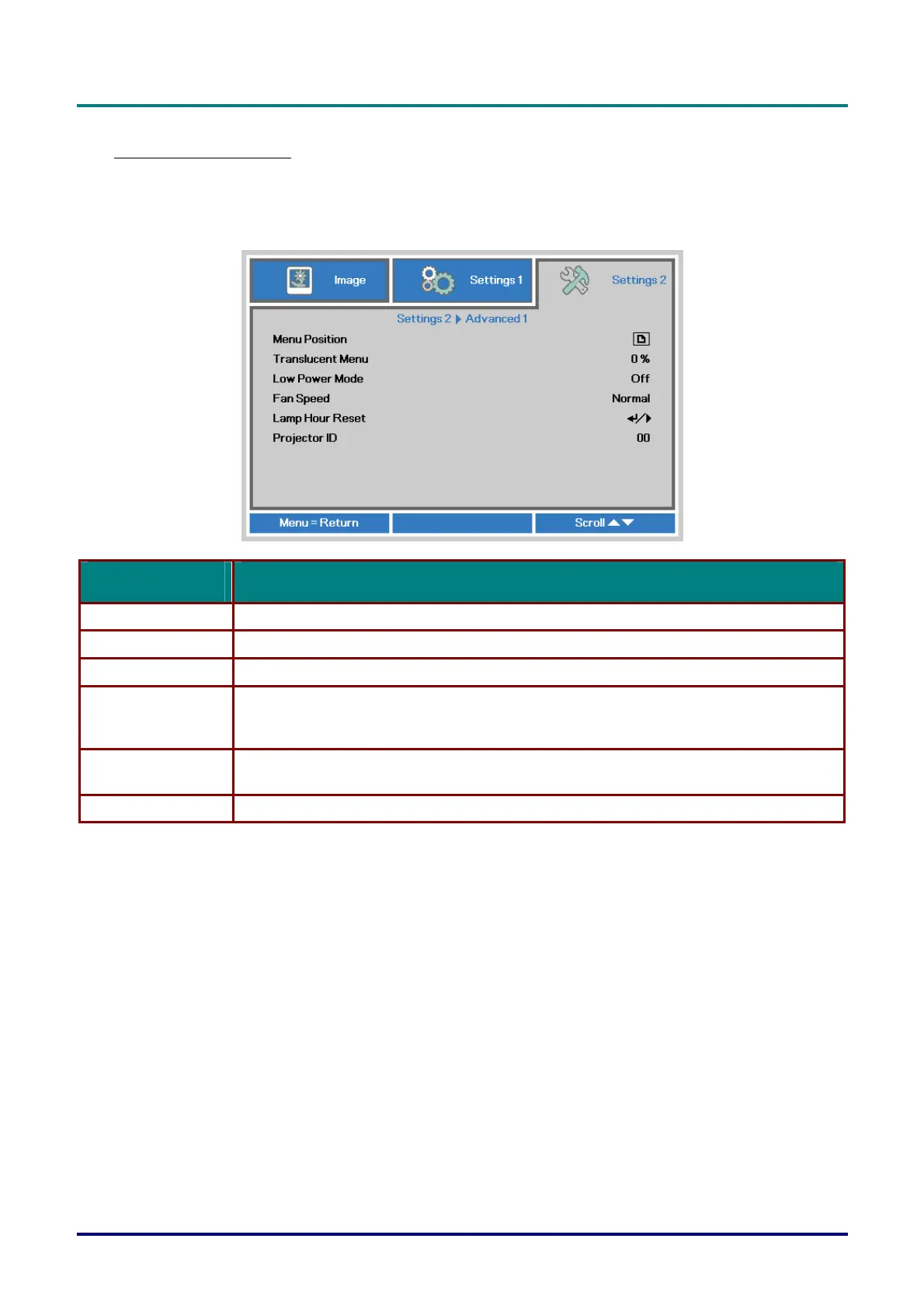
Advanced 1 Feature
Press the Menu button to open the OSD menu. Press ◄► to move to the Settings 2 menu. Press ▲
▼ to move to the Advanced 1 menu and then press Enter or ►. Press ▲▼ to move up and down in
the Advanced 1 menu. Press ◄► to
enter and change values for setting.
ITEM DESCRIPTION
Menu Position Press ◄► button to enter and select different OSD location.
Translucent Menu Press ◄► button to enter and select OSD background translucent level.
Low Power Mode Press ◄► to enter and turn Low Power Mode on or off.
Fan Speed
Press the cursor ◄► button to enter and toggle between Normal and High fan speeds.
Note: We recommend selecting high speed in high temperatures, high humidity, or high
altitude (higher than 1500m/4921ft) areas.
Lamp Hour Reset
After replacing the lamp, this item should be reset. See page 30 for more information on Lamp
Ho
ur Reset.
Projector ID Press the cursor ◄► button to enter and adjust a two digit projector ID from 0 through 98.
– 29 –



 To Next Page