DLP Projector—User’s Manual
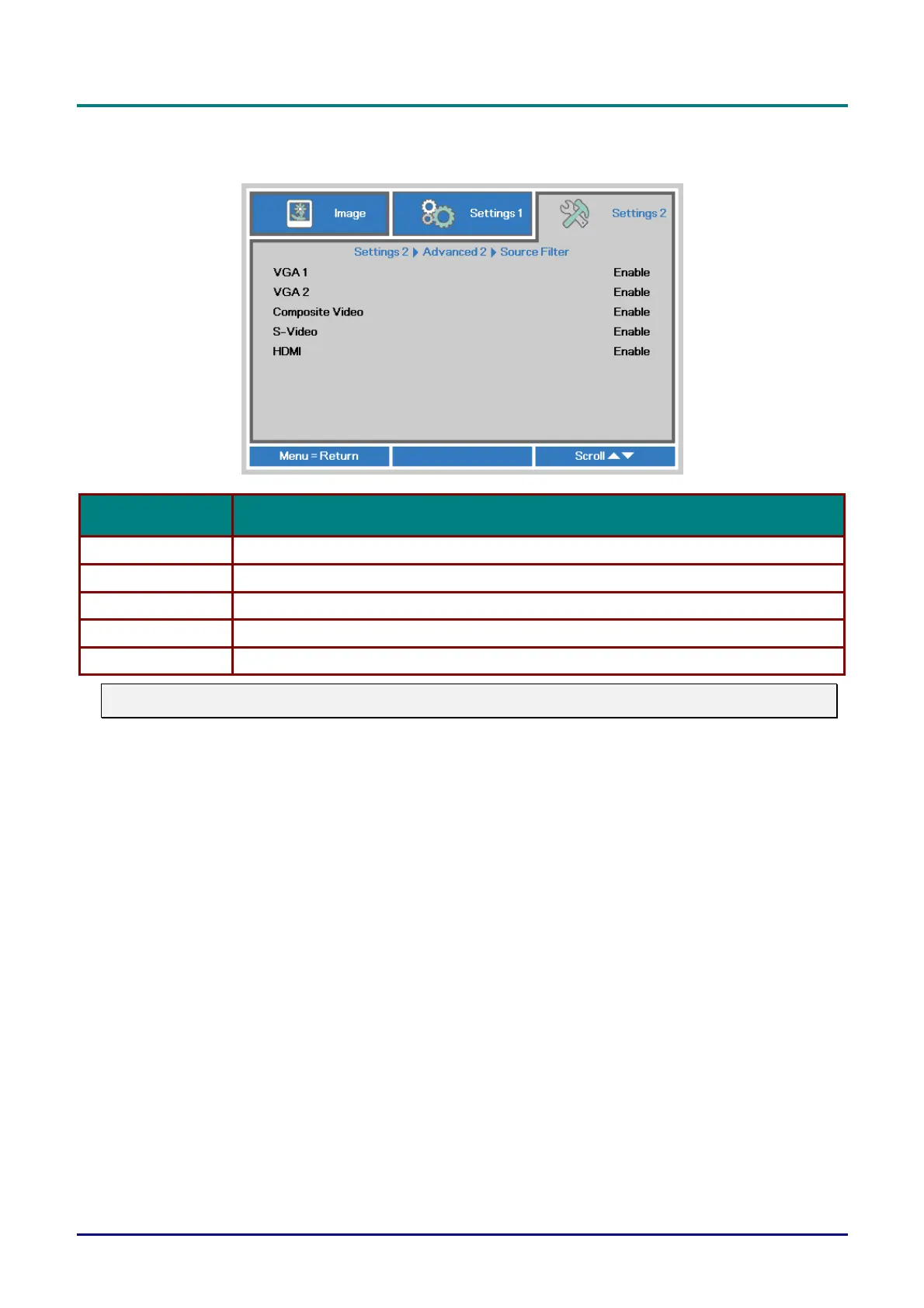
Source Filter
Press the ENTER button to enter the Source Filter sub menu.
ITEM DESCRIPTION
VGA1 Press the ◄► buttons to enter and enable or disable the VGA1 source.
VGA2 (*) Press the ◄► buttons to enter and enable or disable the VGA2 source.
Composite Video (*) Press the ◄► buttons to enter and enable or disable the Composite Video source.
S-Video (*) Press the ◄► buttons to enter and enable or disable the S-Video source.
HDMI (*) Press the ◄► buttons to enter and enable or disable the HDMI source.
Note:
(*) Not available in some model.
— 32 —



 To Next Page