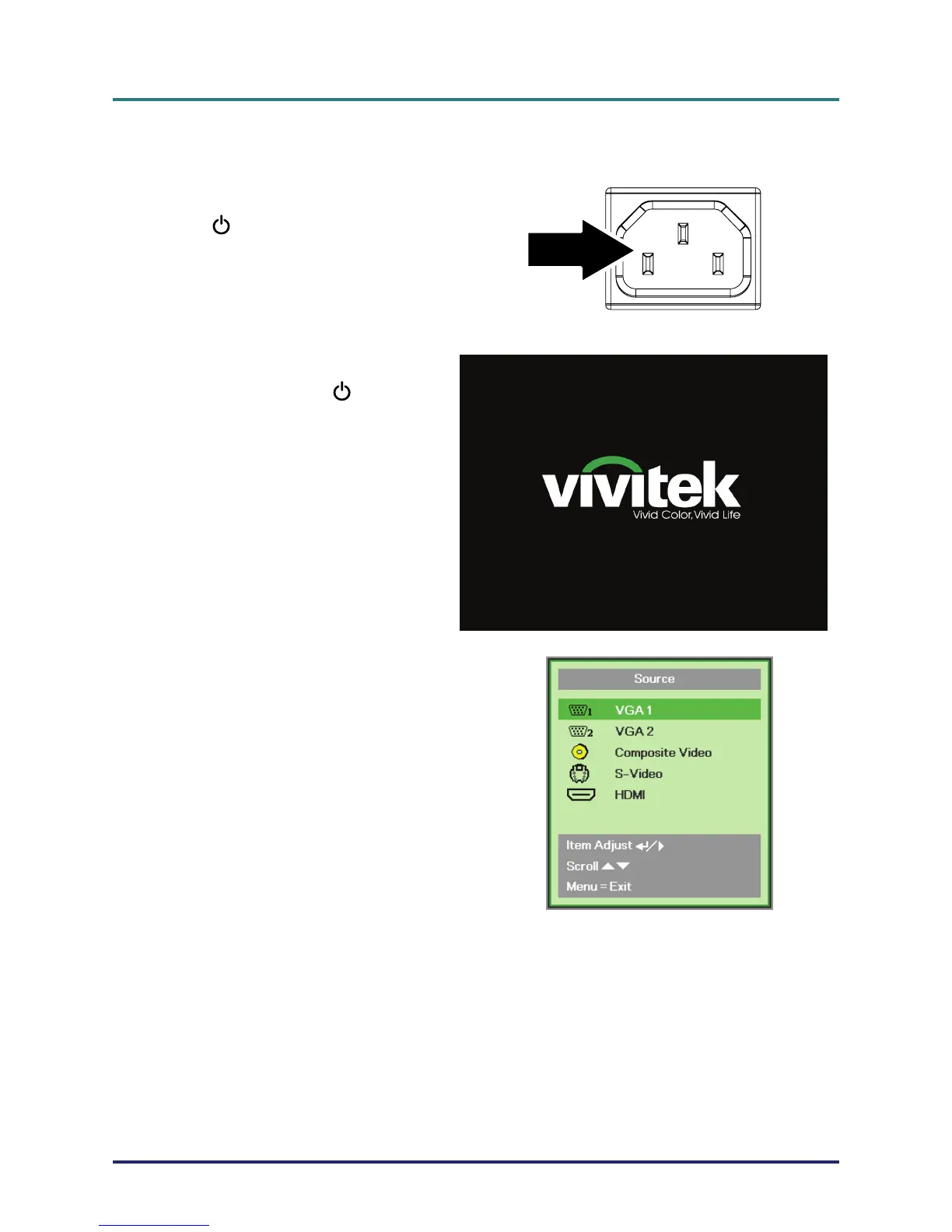
Connect the power cord to the projector.
Connect the other end to a wall outlet.
The
POWER LED on the projector
light.
2.
Ensure the LAMP LED not a flashing
orange. Then press the
POWER
button to turn on the projector.
The projector splash screen displays and
connected devices are detected.
See
Setting an Access Password
(Security Lock) on page 13 if security
lock is enabled.
4.
If more than one input device is con-
nected, press the SOURCE button and
use メヤ to scroll among devices.
(Component is supported through the
RGB to COMPONENT ADAPTER.)
• VGA 1/VGA 2: Analog RGB
Component: DVD input YCbCr / YPbPr, or
HDTV input YPbPr via HD15 connector
• Composite Video: Traditional composite video
• S-Video: Super video (Y/C separated)
• HDMI: HDMI, DVI (D837 only)
– 11 –



 To Next Page