DLP Projector – User’s Manual
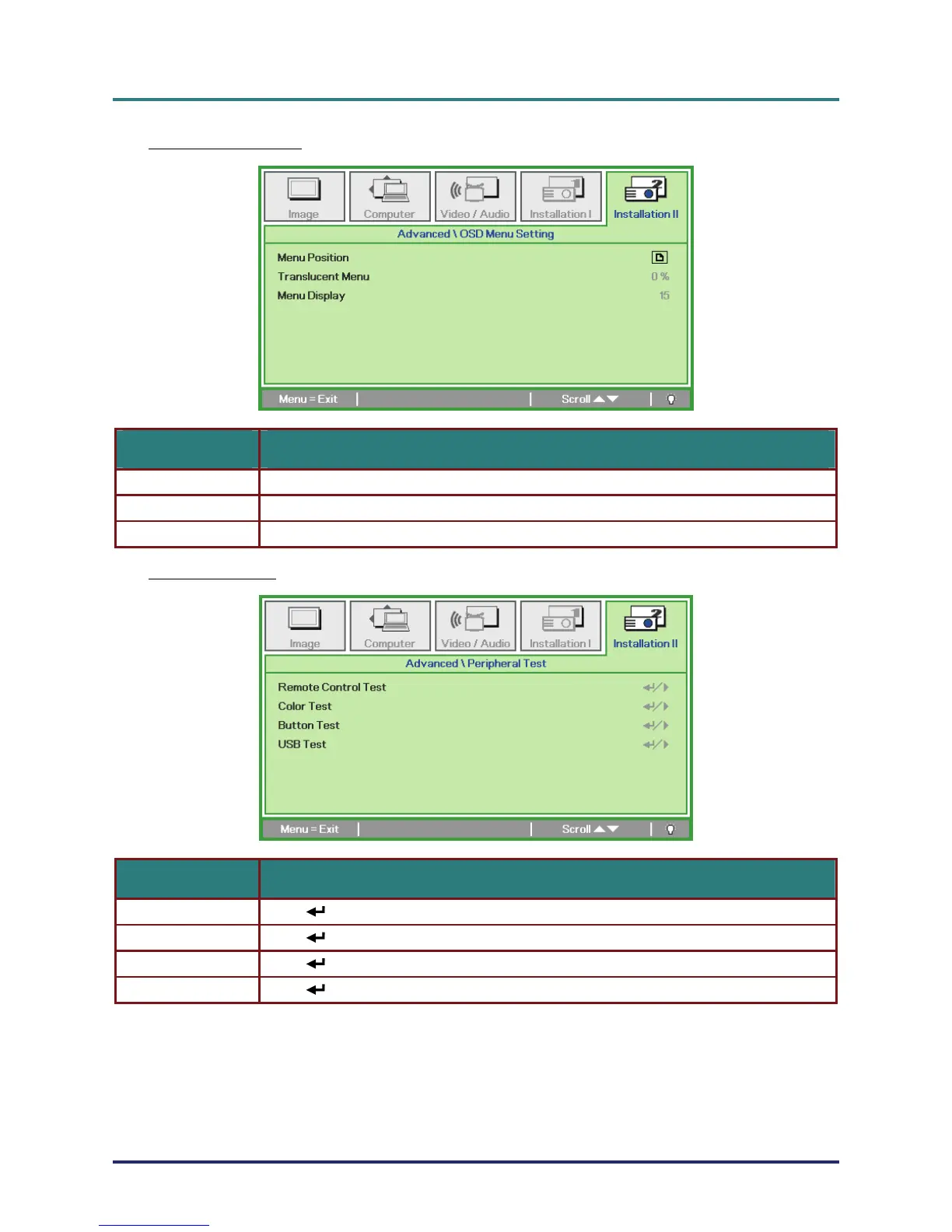
OSD Menu Setting
ITEM DESCRIPTION
Menu Position Press ユモ button to select different OSD location.
Translucent Menu Press ユモ button to select OSD background translucent level.
Menu Display Press ユモ button to select OSD timeout delay.
Peripheral Test
ITEM DESCRIPTION
Remote Control Test Press (Enter) / モ to test the IR remote controller for diagnostic.
Color Test Press (Enter) / モ to select different colors on screen.
Button Test Press (Enter) / モ to test the button on keypad.
USB Test Press (Enter) / モ to test the USB connection with connected PC.
– 33 –



 To Next Page