DLP Projector—User’s Manual
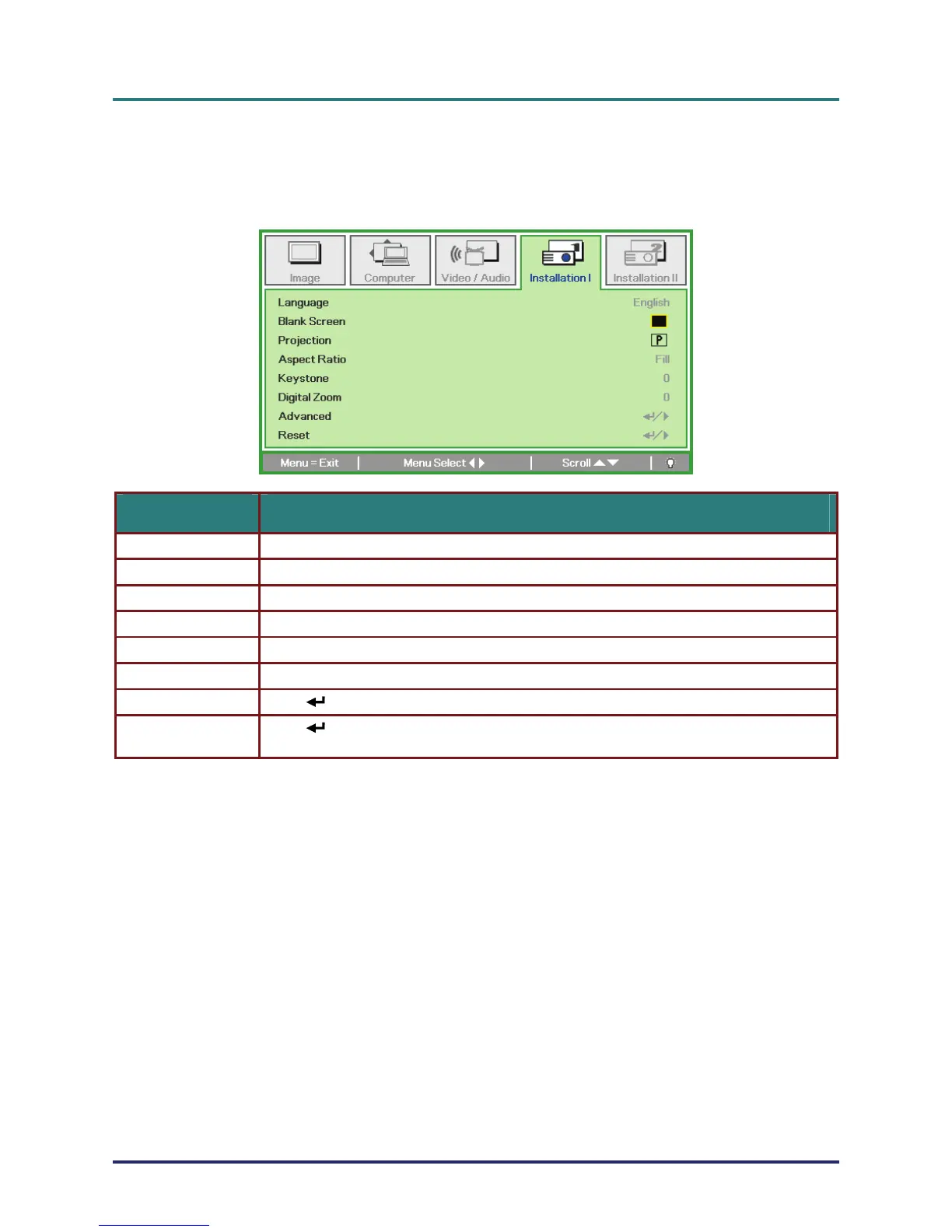
Installation I Menu
Press the MENU button to open the OSD menu. Press the cursor ユモ button to move to the Installa-
tion I menu. Press the cursor メヤ button to move up and down in the Installation I menu. Press
ユモ to change values for settings.
ITEM DESCRIPTION
Language Press the cursor ユモ button to select a different localization Menu.
Blank Screen Press the cursor ユモ button to select different color to blank the screen.
Projection Press the cursor ユモ button to choose from four projection methods:
Aspect Ratio Press the cursor ユモ button to adjust the video aspect ratio.
Keystone Press the cursor ユモ button to adjust the display keystone.
Digital Zoom Press the cursor ユモ button to adjust the Digital Zoom menu. (Range: -10 ~ +10)
Advanced Press (Enter) / モ to enter the Advanced menu. See Advanced Feature on page 32.
Reset
Press
(Enter) / モ to reset all settings to default values
(expect Language and Security Lock).
– 28 –



 To Next Page