DLP Projector—User’s Manual
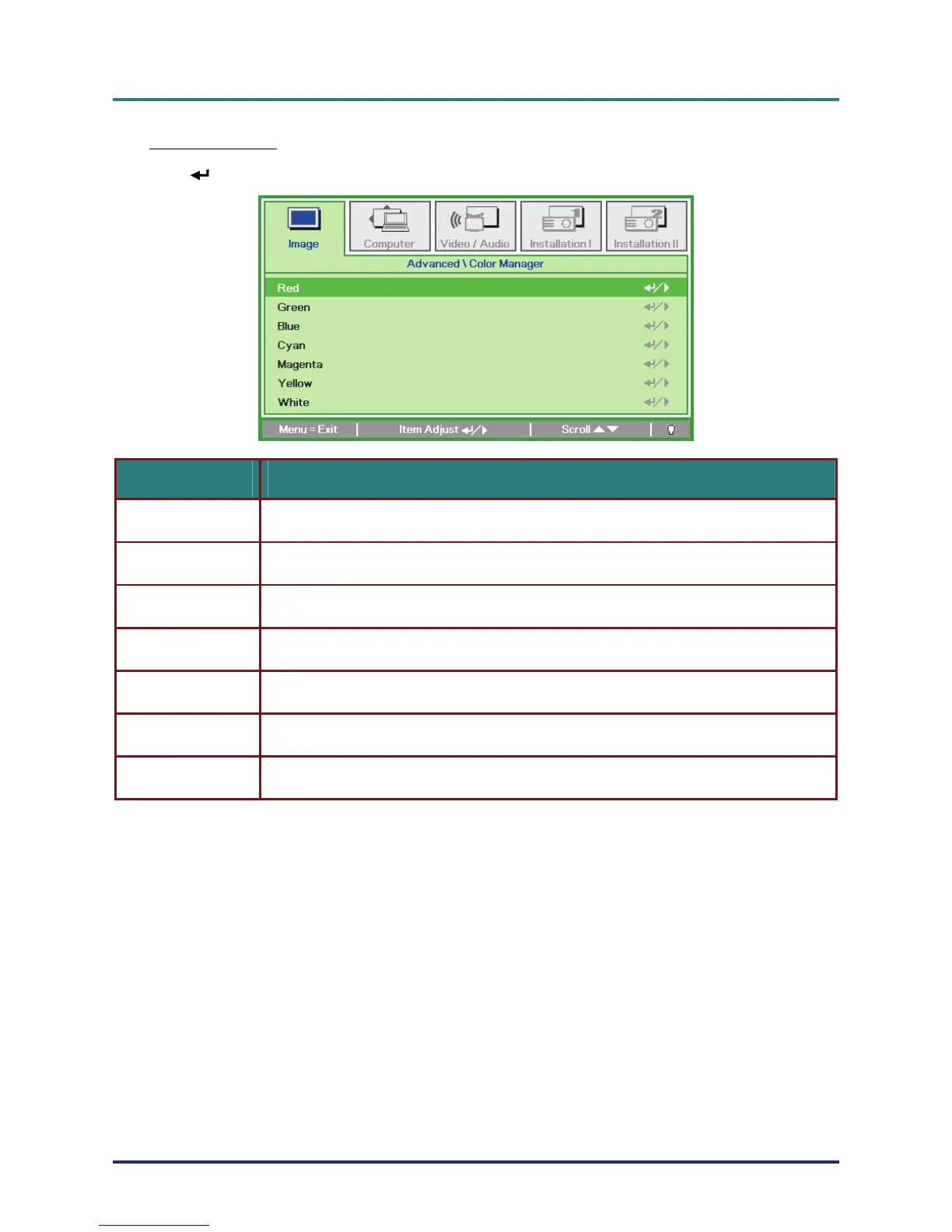
Color Manager
Press
(Enter) / モ to enter the Color Manager sub menu.
ITEM DESCRIPTION
Red
Select to enter the Red Color Manager.
Press the ユモ buttons to adjust the Hue, Saturation, and Gain.
Green
Select to enter the Green Color Manager.
Press the ユモ buttons to adjust the Hue, Saturation, and Gain.
Blue
Select to enter the Blue Color Manager.
Press the ユモ buttons to adjust the Hue, Saturation, and Gain.
Cyan
Select to enter the Cyan Color Manager.
Press the ユモ buttons to adjust the Hue, Saturation, and Gain.
Magenta
Select to enter the Magenta Color Manager.
Press the ユモ buttons to adjust the Hue, Saturation, and Gain.
Yellow
Select to enter the Yellow Color Manager.
Press theユモ buttons to adjust the Hue, Saturation, and Gain.
White
Select to enter the White Color Manager.
Press the ユモ buttons to adjust the Red, Green, and Blue.
– 24 –



 To Next Page