s<0~(m-1)>_mjp
eg_quant
1 ~ 5, 999 4/4 Quality of JPEG video.
999 is the customized manual input setting.
1 = worst quality, 5 = best quality.
s<0~(m-1)>_mjp
eg_maxframe
1~25,
26~30 (only for
NTSC or 60Hz
CMOS)
1/4 Set maximum frame rate in fps (for JPEG).
s<0~(m-1)>_mjp
eg_qvalue
10~200 4/4 Manual video quality level input - choose customize
input “mjpeg_quant = 0” (for MJPEG).
s<0~(m-1)>_forc
ei
1 7/6 Force I frame.
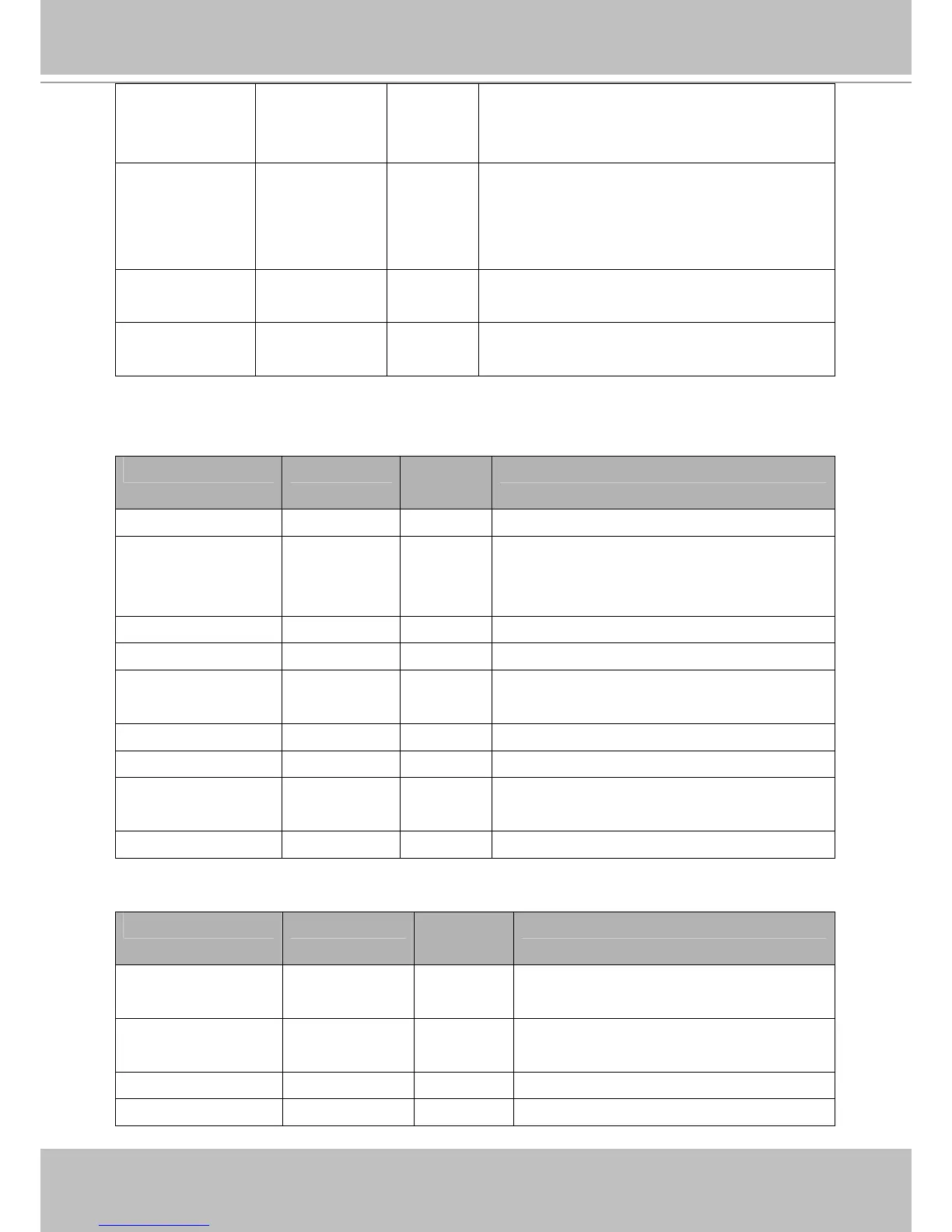
Subgroup of videoin_c<0~(n-1)>: profile_i<0~(m-1)> for n channel products, and m is profile
number
NAME VALUE SECURITY
(get/set)
DESCRIPTION
enable <boolean> 4/4 Enable/disable this profile setting
policy day,
night,
schedule
4/4 The mode which the profile is applied to.
begintime hh:mm 4/4 Begin time of schedule mode.
endtime hh:mm 4/4 End time of schedule mode.
autoiris <boolean> 4/4 Enable auto Iris.
(product dependent)
exposurelevel 1~8 4/4 Exposure level (product dependent)
maxexposure 1~120 4/4 Maximum exposure time.
agc normal,
max
4/4 Set auto gain control to normal level or MAX level.
(product dependent)
enablewdr <boolean> 6/6 Enable/disable WDR
Group: videoinpreview
NAME VALUE SECURITY
(get/set)
DESCRIPTION
autoiris <boolean> 4/4 Preview of enable auto Iris.
(product dependent)
enableblc <boolean> 4/4 Preview of enable backlight compensation.
(product dependent)
enablewdr <boolean> 4/4 Preview of enable/disable WDR
agc normal, 4/4 Preview of set auto gain control to normal level



 To Next Page