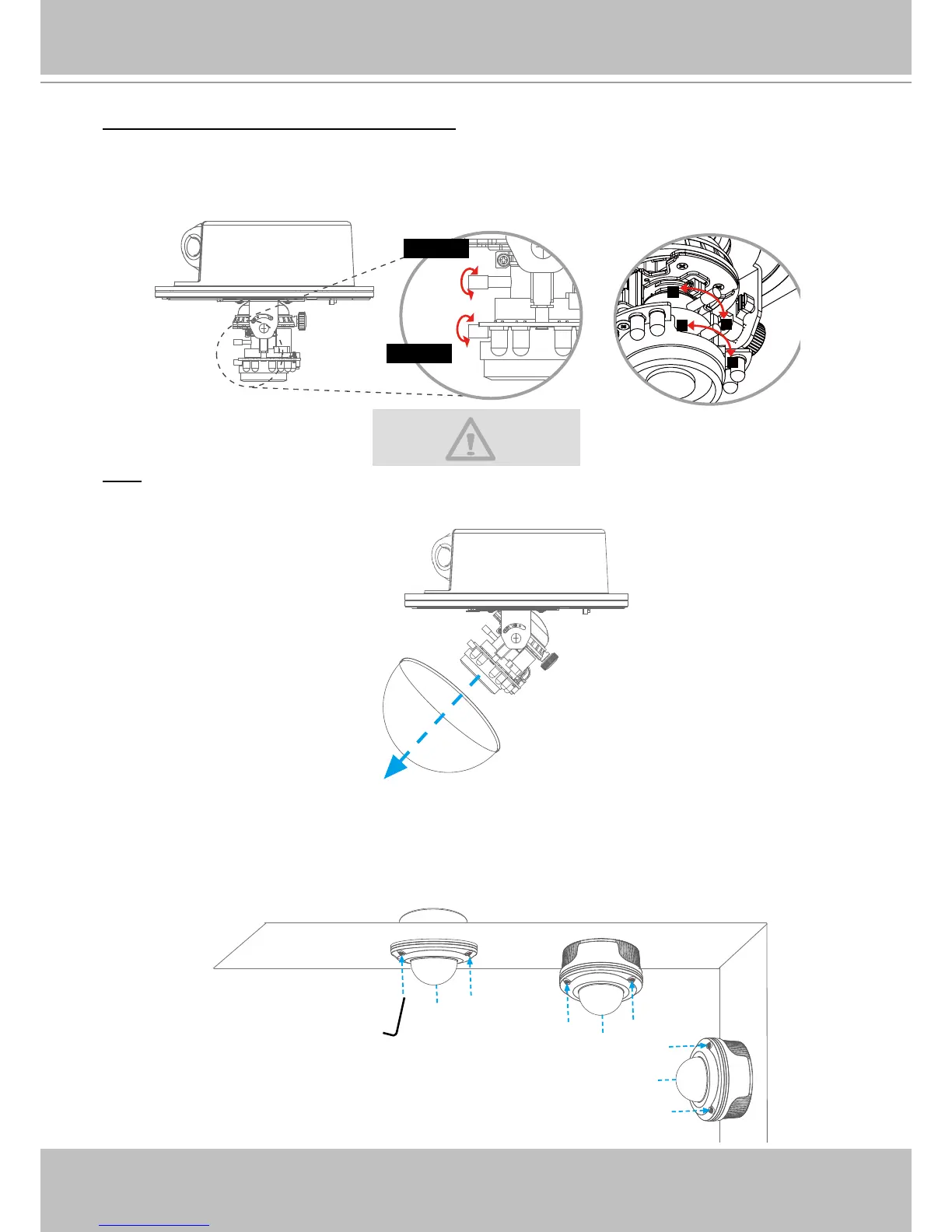
To adjust the zoom factor and focus range
1. Loosen the zoom controller, then adjust the zoom factor by moving the controller left and right.
Upon completion, tighten the zoom controller.
2� Loosen the focus controller, then adjust the focus range by moving the controller left and right�
Upon completion, tighten the focus controller�
Note
If you are using FD7141V (f= 9~22 mm), please hold the supplied plastic cover in front of the
lens while adjusting the focus controller as shown below�
Completion
Attach the dome cover to camera� Secure the three dome screws with a screwdriver� Finally,
make sure all parts of the camera are securely installed�



 To Next Page