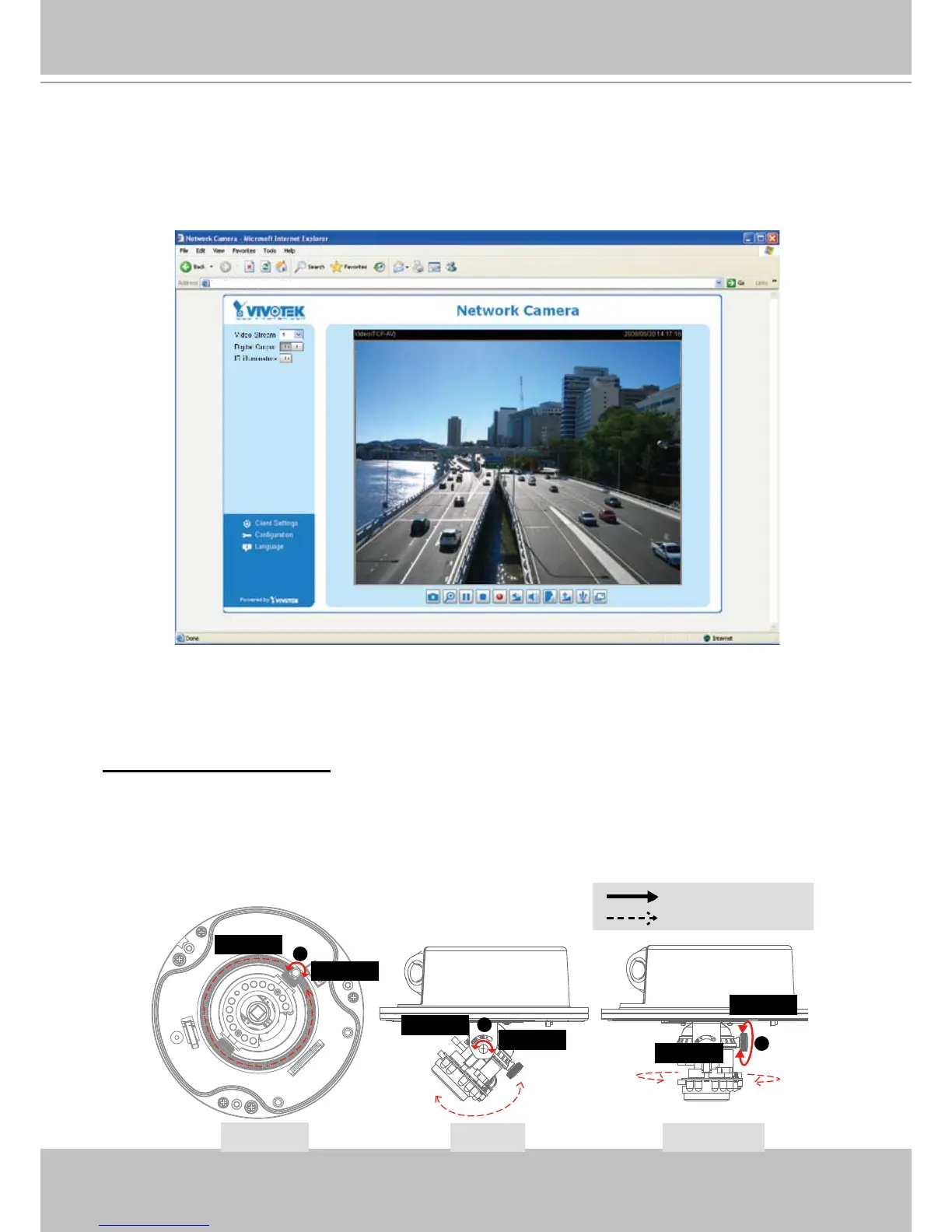
Ready to Use
1� Access to the Network Camera from the Internet�
2� Retrieve live video through a web browser or recording software�
Please refer to page 16 for detailed information�
Adjusting the Lens
Based on the live image retrieved from the camera, adjust the camera lens by doing the
following:
To adjust the viewing angle
1� Loosen the pan screw and then turn the lens module left and right� Upon completion, tighten
the pan screw�
2� Loosen the tilt screws on both sides of the camera and turn the lens module up and down�
Upon completion, tighten the tilt screws�
3� Loosen the image adjustment screw and then turn the lens to adjust the image orientation�
Upon completion, tighten the image adjustment screw�



 To Next Page