System Log
Advanced Mode
This section explains how to configure the Network Camera to send the system log to the
remote server as backup�
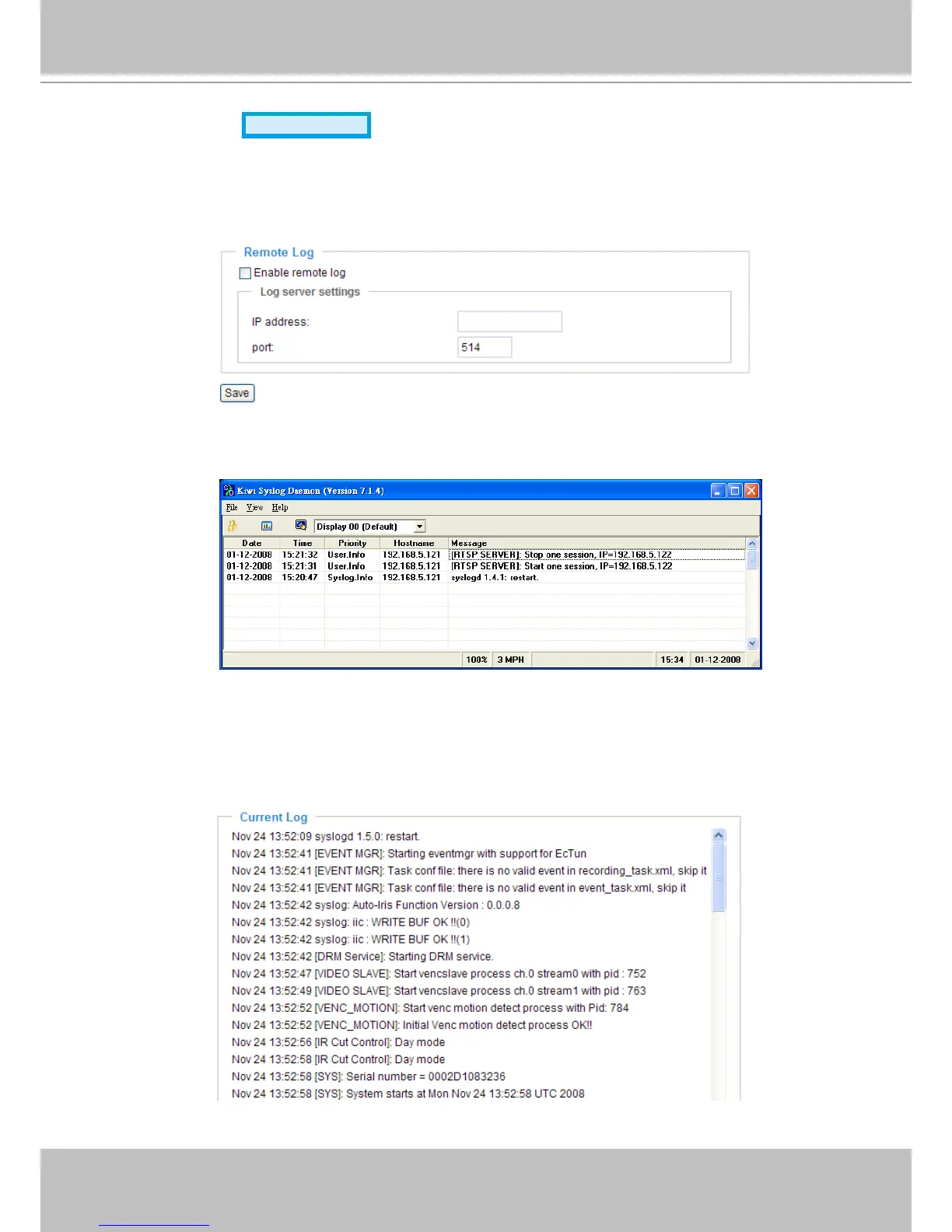
Remote Log
You can congure the Network Camera to send the system log le to a remote server as a log backup.
Before utilizing this feature, it is suggested that the user install a log-recording tool to receive system log
messages from the Network Camera� An example is Kiwi Syslog Daemon� Visit http://www�kiwisyslog�
com/kiwi-syslog-daemon-overview/�
Follow the steps below to set up the remote log:
1� In the IP address text box, enter the IP address of the remote server�
2� In the port text box, enter the port number of the remote server�
3� When completed, select Enable remote log and click Save to enable the setting�
Current Log
This column displays the system log in chronological order� The system log is stored in the Network
Camera’s buffer area and will be overwritten when reaching the maximum limit�



 To Next Page