Homepage Layout
Advanced Mode
This section explains how to set up your own customized homepage layout.
Preview
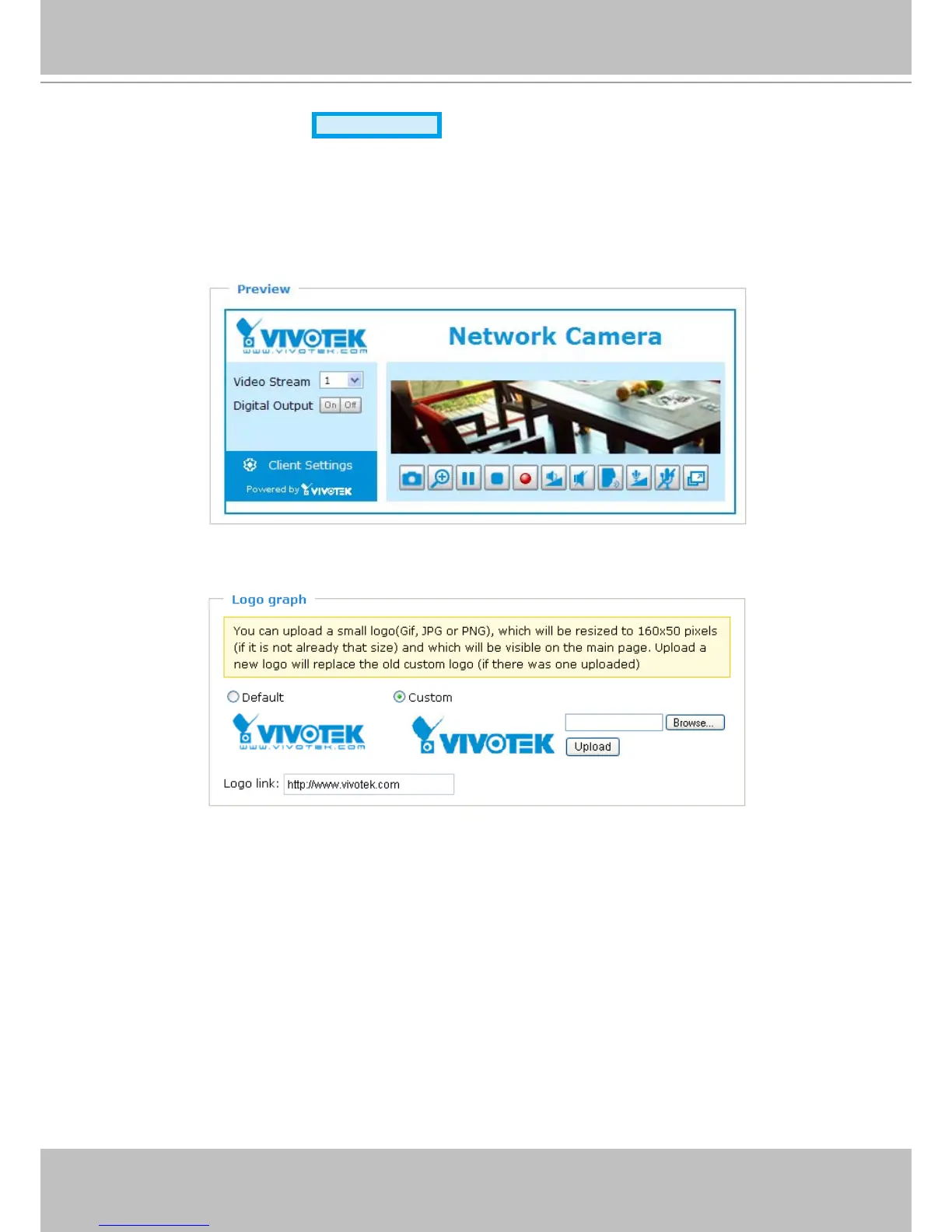
This column shows the settings of your homepage layout. You can manually select the background and
font colors in Theme Options (the third column on this page)� The settings will be displayed automatically
in this Preview eld. The following shows the homepage using the default settings:
Logo
Here you can change the logo at the top of your homepage�
Follow the steps below to upload a new logo:
1� Click Custom and the Browse eld will appear.
2. Select a logo image le from your local computer.
3� Click Upload to replace the existing logo with a new one�
4� Enter a website link if necessary�
5� Click Save to enable the settings�



 To Next Page