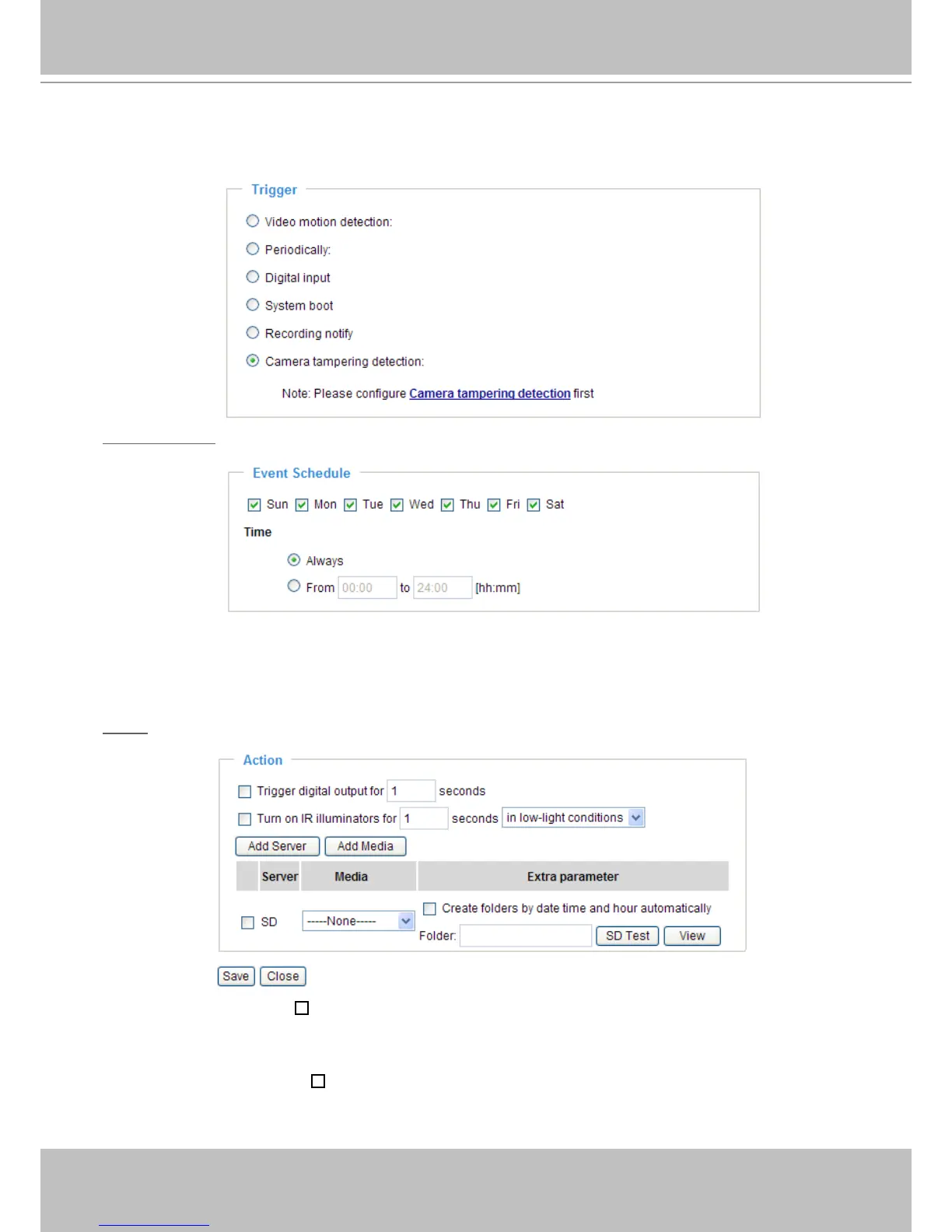
■ Camera tampering detection
This option allows the Network Camera to trigger when the camera detects that is is being tampered
with� To enable this function, you need to congure the Tampering Detection option rst. Please refer
to page 63 for detailed information�
Event Schedule
Specify the period for the event�
■ Select the days of the week.
■ Select the recording schedule in 24-hr time format.
Action
Dene the actions to be performed by the Network Camera when a trigger is activated.
■ Trigger digital output for
seconds
Select this option to turn on the external digital output device when a trigger is activated� Specify the
length of the trigger interval in the text box�
■ Turn on IR Illuminators for
seconds
Select this to turn on IR Illuminators when a trigger is activated every time or only in low light
conditions� Specify the length of trigger interval in the text box�



 To Next Page