VIVOTEK - Built with Reliability
User's Manual - 191
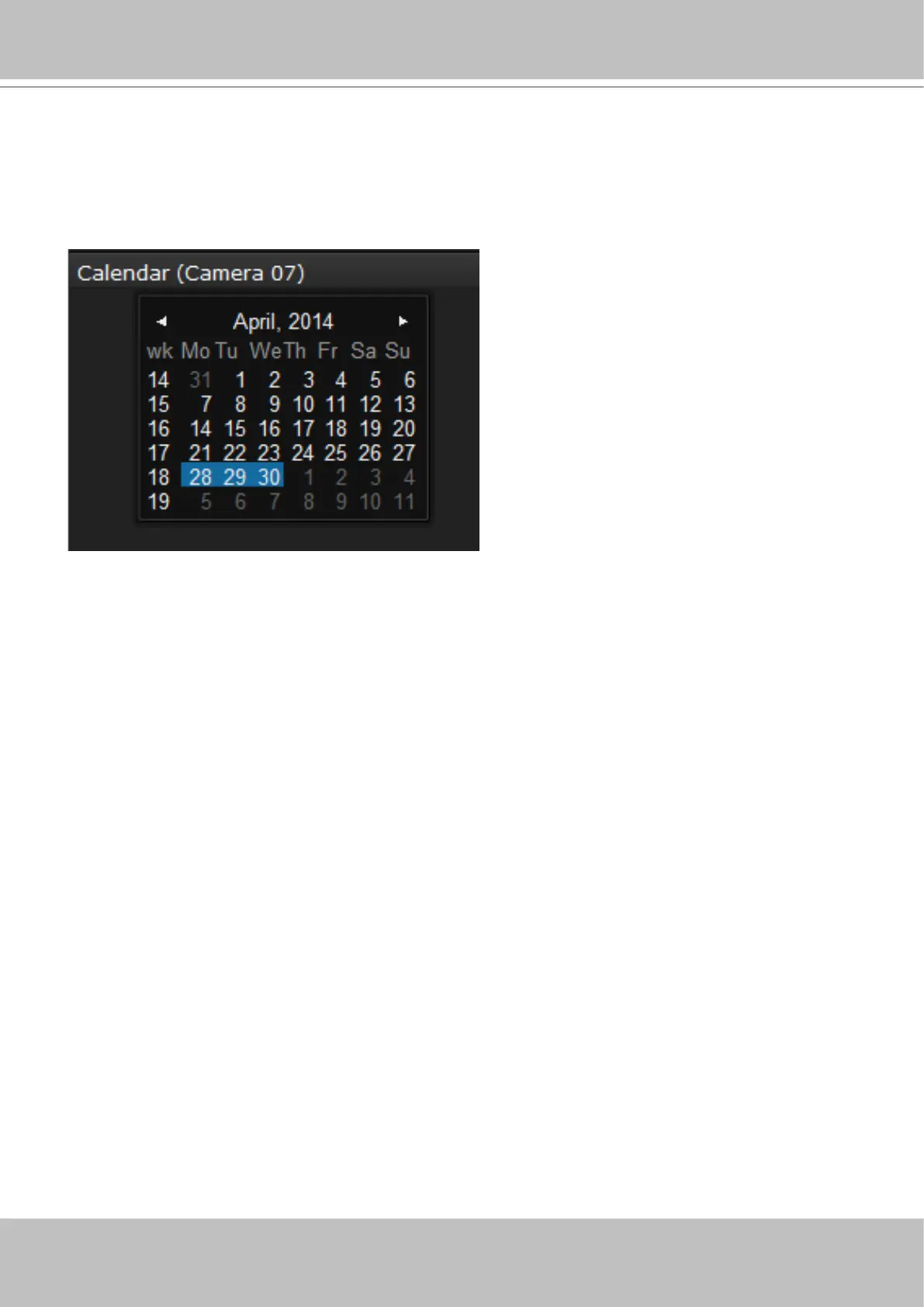
You may use the arrow button to view the records in other months. If there are no recordings in
the current month, the recordings taken in the days of the following month will be shown stead.
4-3-6. Calendar Panel
Double-click on any of the existing cameras to display the Calendar panel. Days with recorded
videos will be highlighted in blue regardless of the length of existing recordings that occurred on
that day. You may then click on a day to begin viewing the past recordings.
2 31
4



 To Next Page