VIVOTEK - Built with Reliability
User's Manual - 89
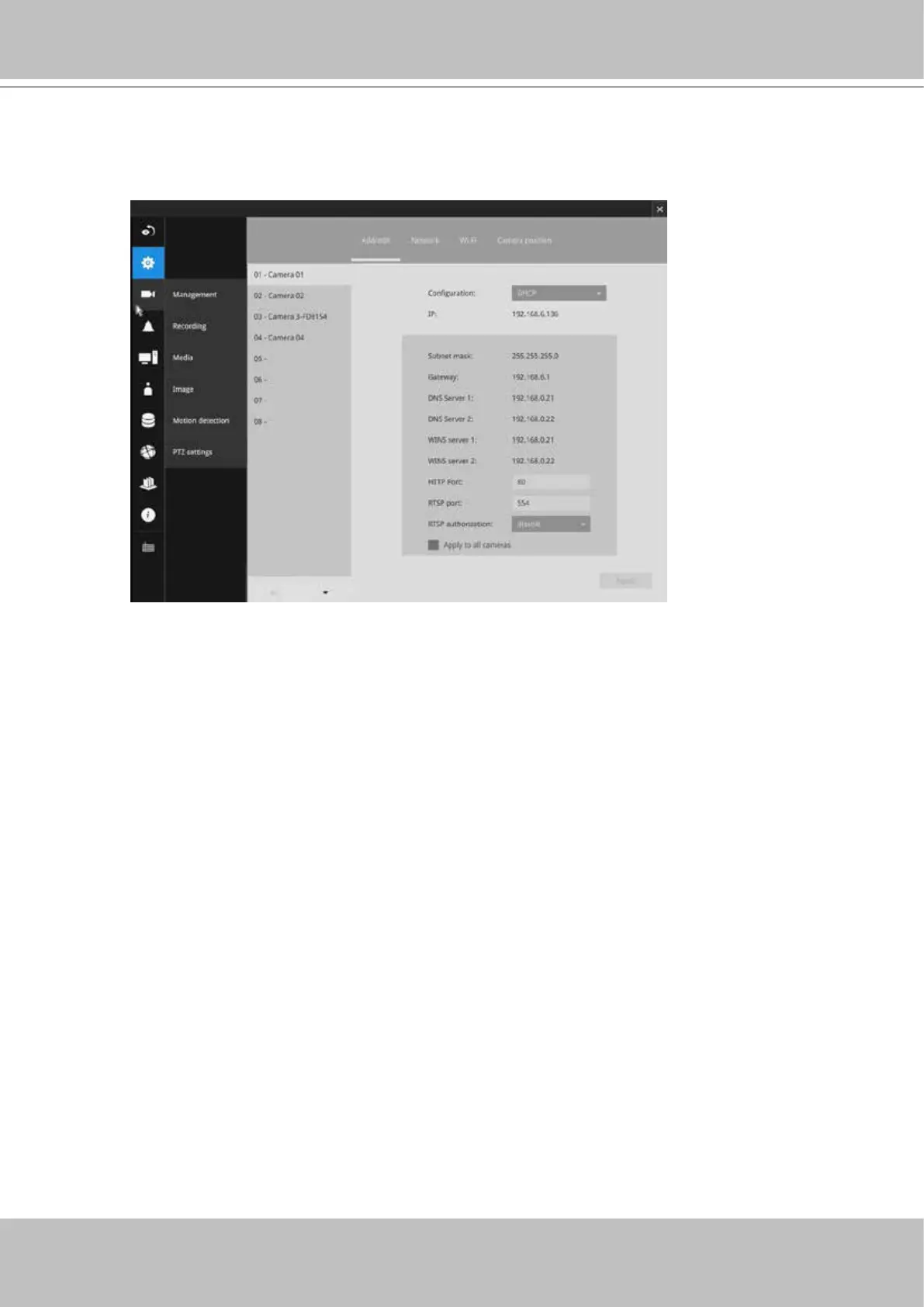
Network
On the Network tabbed window, you can congure the network type, IP address, and the
connection ports for video streaming.
You can select DHCP as the method for cameras to acquire IP addresses, or you
can manually congure static IPs for a single or all cameras. Using static IPs is
recommended. Although the NVR can remember the MAC addresses of cameras, if
IPs are changed under the DHCP conguration, your NVR may still fail to connect the
cameras. Please consult your network administrator for details about network settings.
It is usually not necessary to change port numbers for the HTTP and RTSP ports unless
there is a conict in your network environment.


 To Next Page
 Loading...





