1
ABOUT THIS USER GUIDE
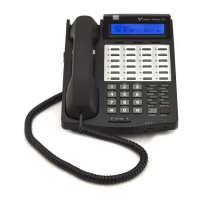
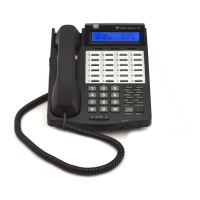
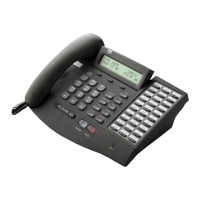
The features described in this book apply to the XTS Digital Telephone
Systems when using Vodavi Telephones … unless an exception is
specifically noted.
GUIDELINES
Flexible Buttons -- Most system features can be set up on a flexible
button for easy one-button access (for more details, refer to “Flexible
Button Programming” on page 62).
This “Flex Btn” symbol indicates those features that need
a
preprogrammed button to function properly (IP Phones
have several fixed feature buttons that can be used instead).
-
EXCEPTION -
When the “Soft Key” symbol is also
present, you may use
either a preprogrammed button or a Soft Key.
Flexible Numbering -- This feature allows the system numbering plan
to be modified, as well as the length of the feature access codes (2-4
digits).
For consistency, the following programming and operating
procedures refer to “3-digit” default codes.
To verify the numbering plan for your system, consult
with your System Administrator.
Single Line Telephones -- A “telephone” symbol appears when
the Single Line Telephone (SLT) operation differs from the
Digital Telephone. If your single line telephone does not have a
FLASH key, quickly press and release the hookswitch when instructed to
press the FLASH key.
Soft Key
SLT


 To Next Page