DATA FILER
To exit from this function press [ESC] or [DISK] and the display will return to the MAIN PAGE;
otherwise, use the selection keys referred to above to access the various functions of the
TOOLS section.
8.1.1 FORMAT
Each freshly-purchased floppy disk must be formatted before use for writing songs. The
Genius formats floppy disks in MS-DOS® format, meaning that these disks can also be used
with Personal Computers or Sequencers.
The internal flash memory can also be formatted, to delete all the files memorised in it.
122
WARNING!
Bear in mind that when a floppy disk or the internal memory is formatted, all the data
memorised will be lost irretrievably. When the internal memory is formatted, the data
relating to the system software will not however be deleted.
We will now take a look at the formatting procedure.
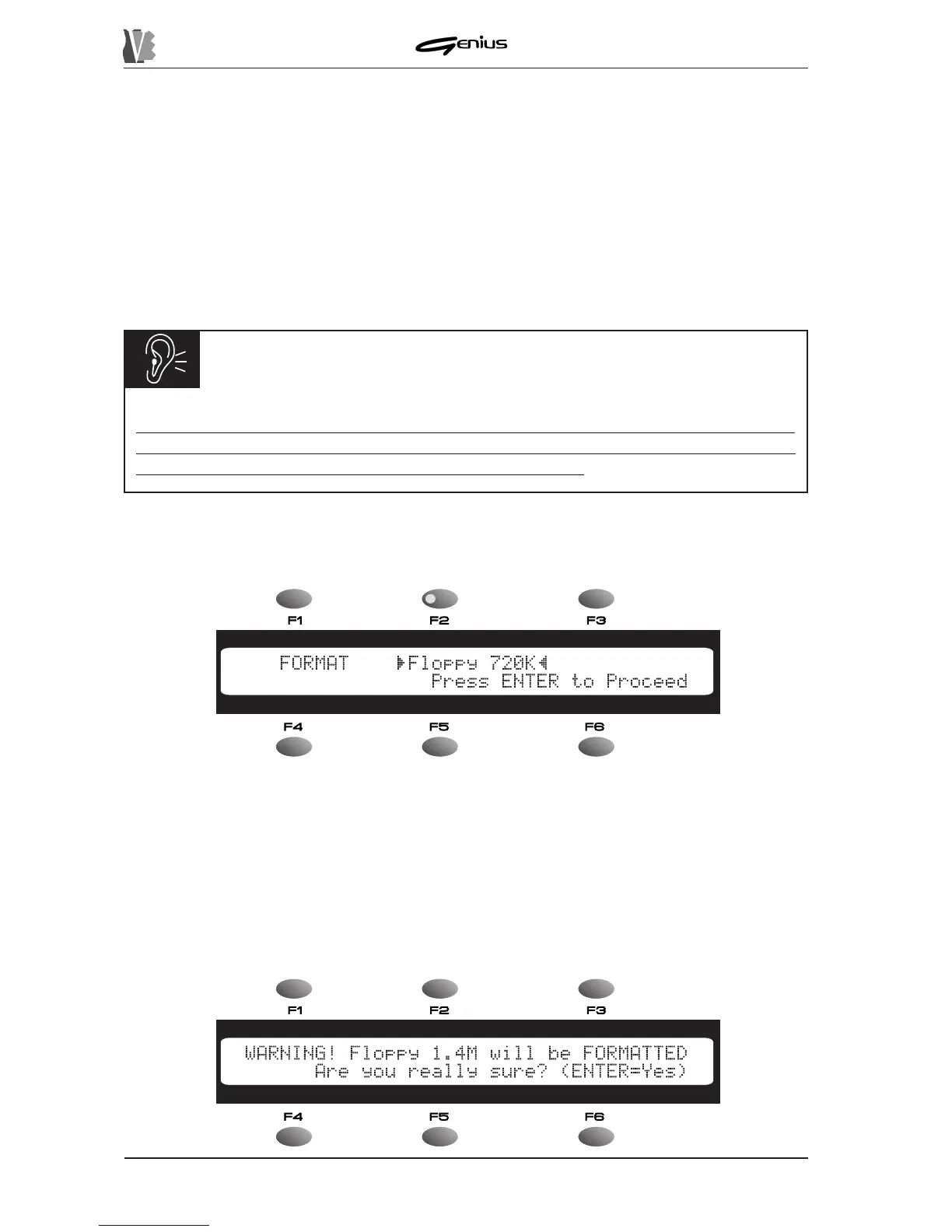
From the DISK menu press the [F1] function key; the display will show:
Use the encoder to select the unit you wish to format, chosen from:
o
Floppy 720K
: formatting of Double Density (DD) floppy disk of 720 Kbytes.
o
Floppy 1.4M
: formatting of High Density (HD) floppy disk of 1.44 Mbytes.
o
Memory
: formatting of the internal flash memory (capacity measured automatically).
Now insert the floppy disk to be formatted.
Press the [ENTER] key to start the formatting procedure and the display will show:


 To Next Page