DATA FILER
9. EDIT
In the REAL TIME ADJ section (point 6) we have seen that the Genius is able to modify a
number of the characteristics of the song currently selected. The Real Time modifications
can be activated in real time, but they cannot be saved differently for each song.
The purpose of the EDIT section is to allow the user to modify the overall parameters and
those of each individual track of each song and to save them (whether the song file is on a
floppy disk or in the internal memory).
As well as this the EDIT section contains the EDIT LIST function, used to create lists of songs
which can be played in an automated sequence once they have been recalled.
9.1 EDIT SONG
By means of the EDIT SONG function, the Genius allows the user to modify the overall
parameters of a song. He can therefore perform transpositions, modify the metronome tempo
or delete tracks. Naturally, these modifications can be saved.
Select the song you wish to modify and press the [SONG] key of the EDIT section on the front
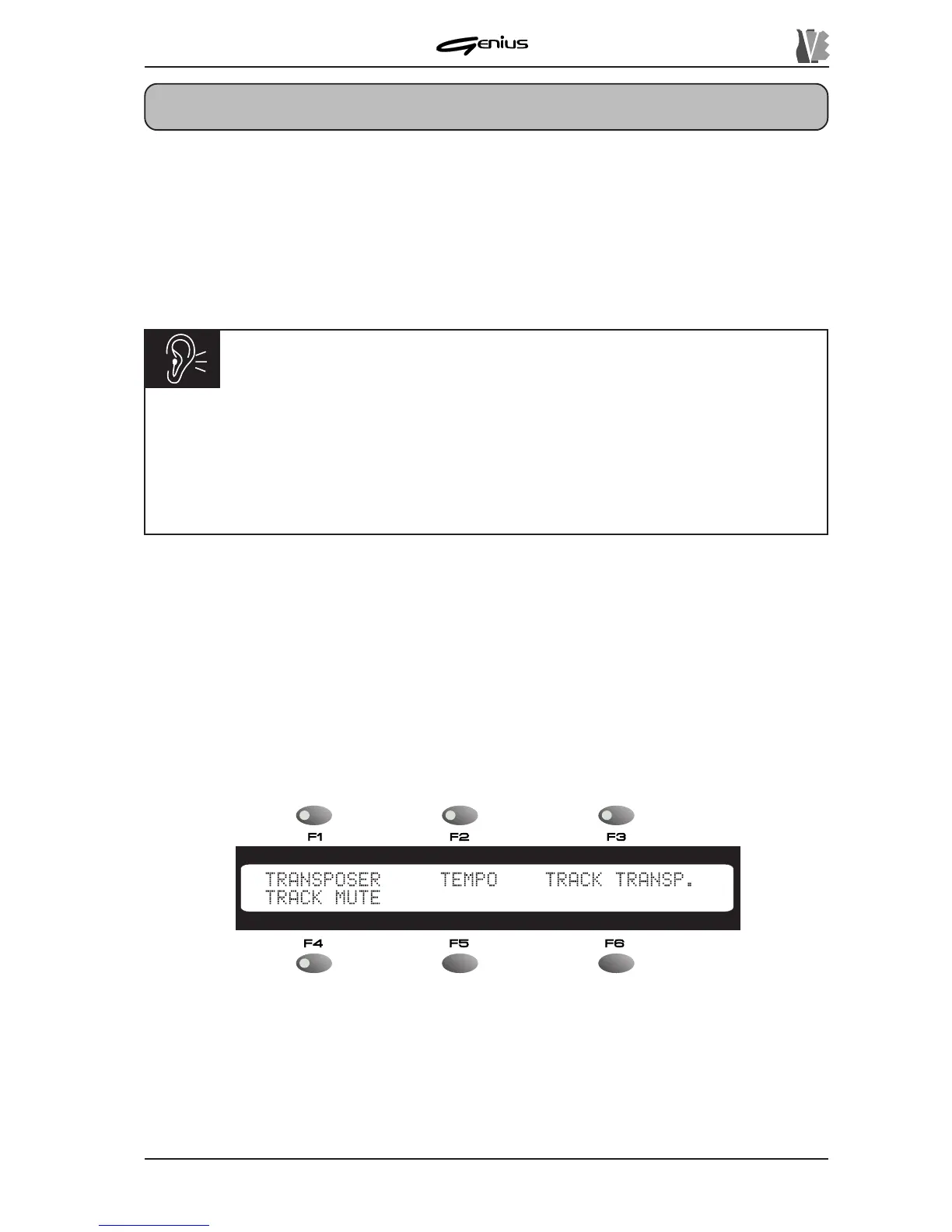
panel. The display will show the menu of the EDIT SONG function:
containing the following procedures:
o
TRANSPOSER
: selectable using the [F1] function key – enables the procedure for
transposition of the whole song.
o
TEMPO
: [F2] – allows modification of the metronome tempo of the song.
o
TRACK TRANSP.
: [F3] – procedure for transposing individual tracks.
o
TRACK MUTE
: [F4] – allows specific tracks to be excluded from the playback.
157
IMPORTANT NOTES
ü
The EDIT functions can only be recalled in STOP condition. The modifications will
refer to the song currently active, i.e. the one in the field corresponding to key [F1] in
the MAIN PAGE.
ü
When the EDIT functions are accessed, the REAL TIME ADJUST functions are
deactivated.


 To Next Page