DATA FILER
8.4.2 FOOT SWITCH
Two footswitch pedals with normally open contact can be connected to the instrument by
means of the FOOT [PEDAL1] and [PEDAL2] connectors.
This section allows you to set the way the instrument will respond to pressing of the pedal.
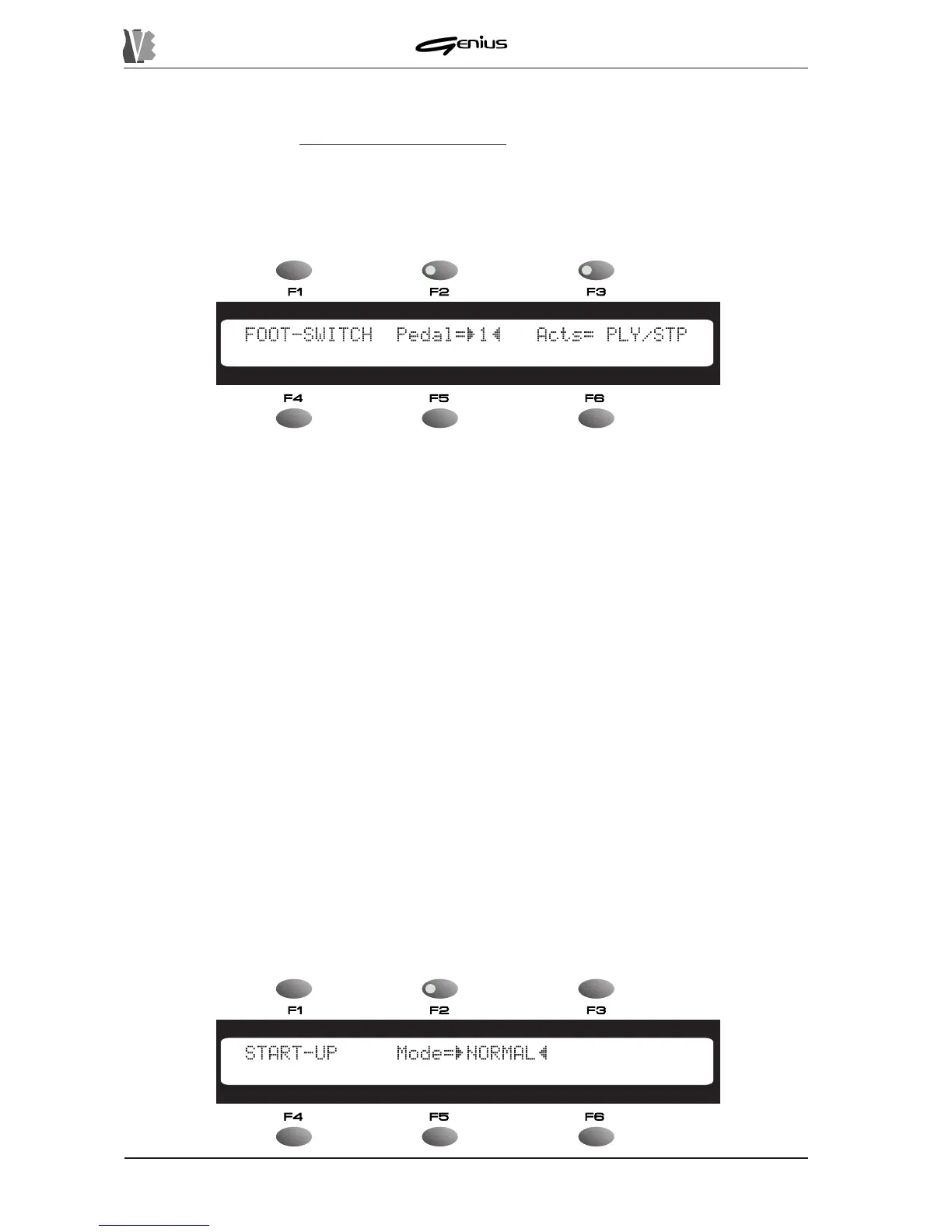
When the [F2] function key is pressed, the display will show:
In the
Pedal
field, selectable with the [F2] function key, you can use the encoder to set the
pedal (1 or 2) to which you intend to assign a given function by means of the
Acts
field
([F3]). The functions which can be assigned to each pedal are as follows:
o
Ply/Stp
: whenever the enabled pedal is pressed, the instrument switches in cyclic
mode between Play and Stop. Pedal-controlled operation will also be displayed by the
status of the LEDs on the [PLAY] and [STOP] keys.
o
Pau/Cnt
: whenever the pedal enabled for this function is pressed, the instrument will
activate – in cyclic mode - the PAUSE function (momentary interruption of song playback)
and the CONTINUE function (restart of the interrupted playback).
o
SONG+
: whenever the pedal is pressed, the song after the one currently active will be
selected.
o
SONG-
: whenever the pedal is pressed, the song before the one currently active will be
selected.
o
KARAOKE
: pressing the pedal emulates use of the [LYRICS] key.
o
PANIC
: when the pedal concerned is pressed, a sequence of MIDI Panic messages will
be generated autonomously. This is especially useful for re-initialising the sound
generators in case of sudden malfunctions in the MIDI connection or errors in the file
being played.
After making the desired settings, press the [ESC] key to confirm the modifications and exit
from the function.
8.4.3 START-UP MODE
152


 To Next Page