DATA FILER
102
10. [REW] button: allows rapid reversing by bar pointing.
11. [FF] button: allows rapid forward scanning by bar pointing.
12. [PAUSE] button: stops playback temporarily.
13. [PLAY] button: starts the performance.
14. [STOP] button: stops the performance.
15. [REC] button: enables the recording procedure.
16. [VOLUME] slider: regulation of the instrument’s volume.
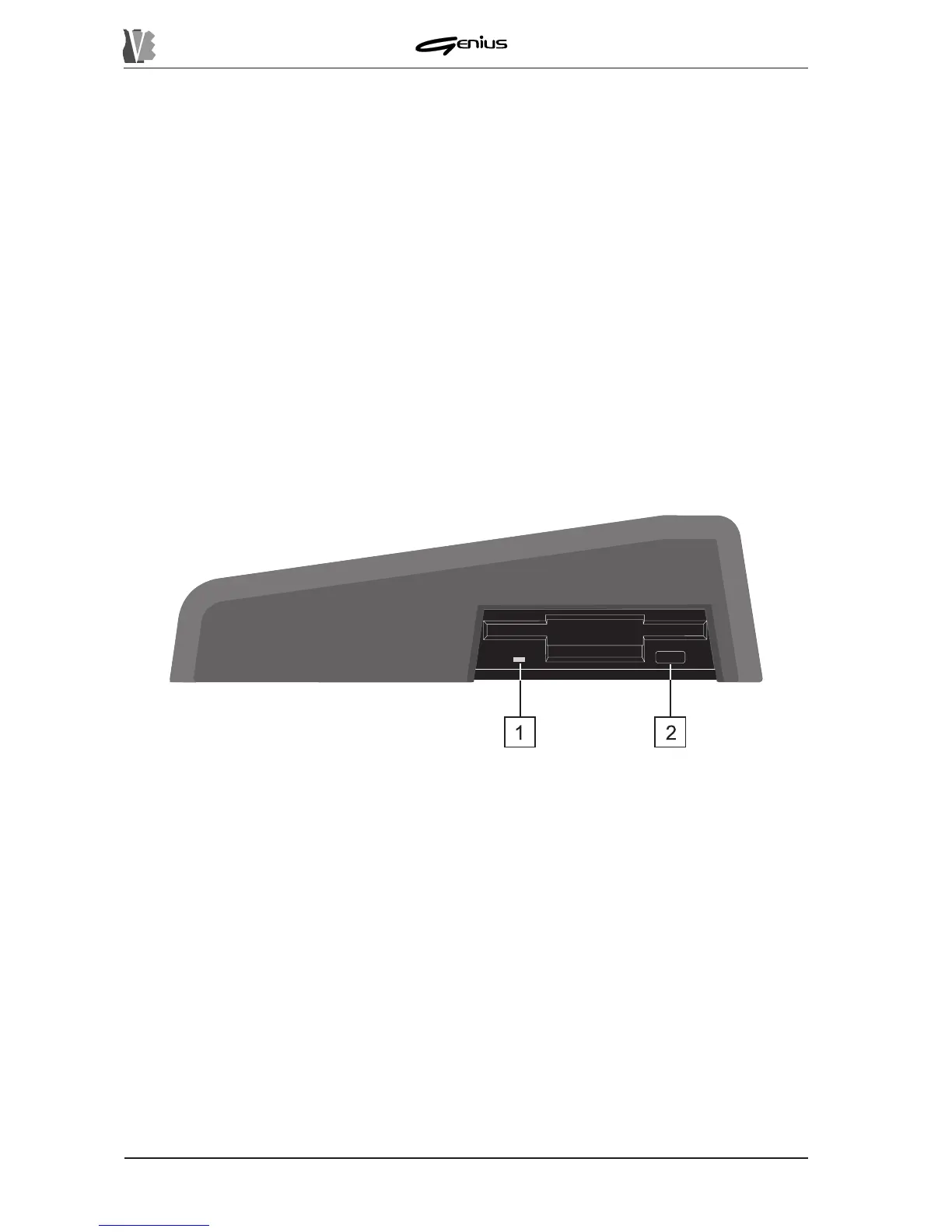
3.2 THE FLOPPY DISK DRIVER
1.: LED displaying reading/writing status of the floppy disk. Never extract the disk when
the LED is on.
2.: button for extracting the floppy disk from the drive.


 To Next Page