DATA FILER
COPYING FILES FLOPPY TO FLOPPY
If the files to be copied are resident on a floppy disk and the
Floppy Disk
option has
been selected, pressing [ENTER] from the video page described previously will start reading
of the floppy inserted in the drive.
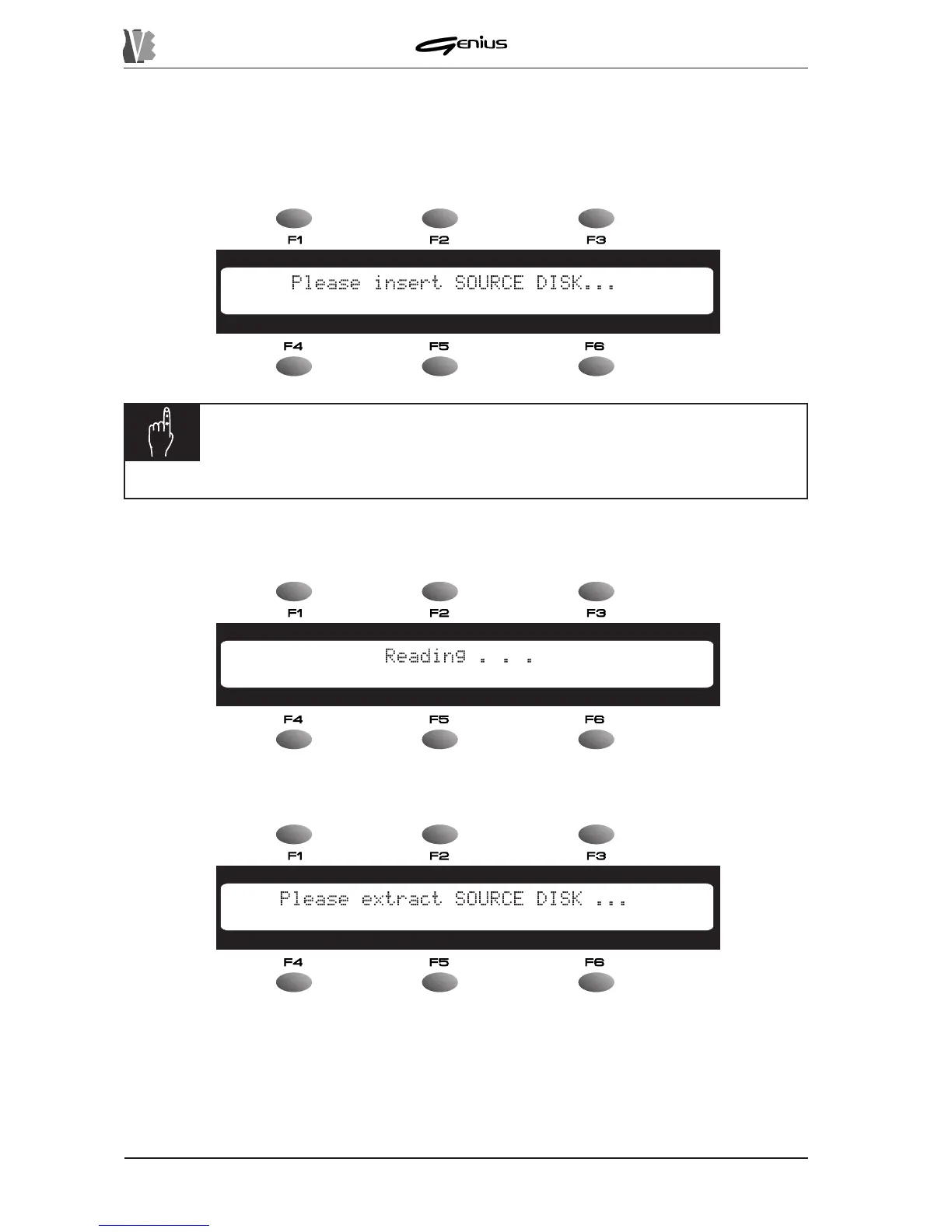
If the drive is empty, the display will prompt you to insert the disk:
N.B.:
if this video page continues to displayed even after a floppy disk has
been inserted in the drive, this means that the system does not recognise it
(the disk is not formatted or not valid).
After checking the source disk, the instrument will proceed to read the data:
When reading is complete, the system will prompt you to remove the source disk:
Remove the disk and wait for the prompt to insert the destination disk.
136


 To Next Page