19
7.1 Minimum System Requirements
- Windows XP (with service pack 2), 7 or Mac OSX 10.5.8 or higher.
- USB or Ethernet port for connecting the Livedrive to the PC.
- Pentium 4 or higher
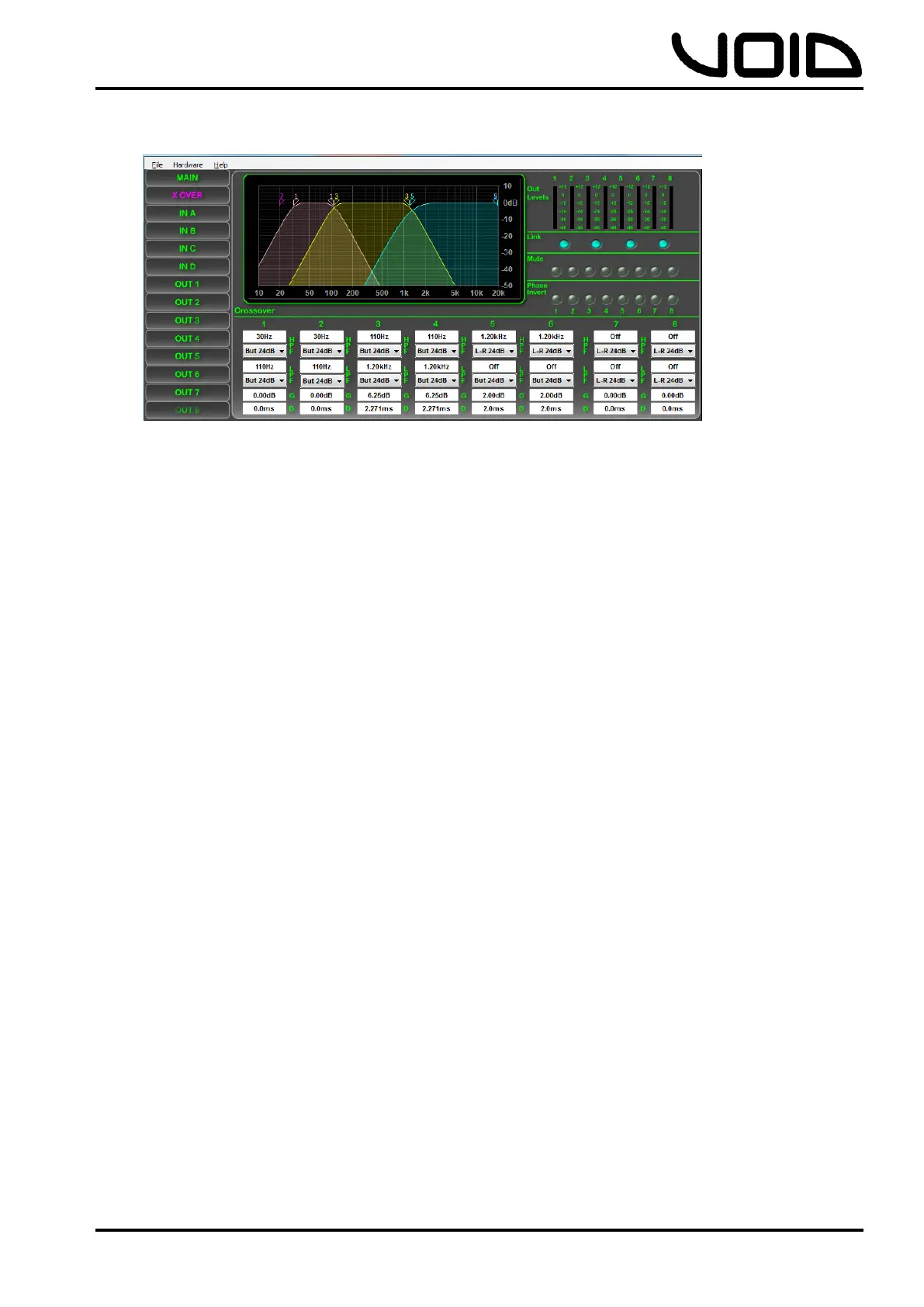
7.2 Installing Live Link
Windows:
- Insert the included CD into the PC.
- Follow the instructions on the Setup Wizard carefully.
- Once the installation has finished, close the Setup Wizard and remove
the CD.
Mac OSX:
- Insert the included CD into the PC
- Double click on the disk on the desktop to open the files and open
Void_DSPControl.mpkg
- Follow the instructions in the Setup Wizard.
- When the installation has finished, eject the CD.
7.3 Connecting the Livedrive V2
The Livedrive V2 can be connected to a PC via USB or Ethernet network.
Connection via USB requires the provided USB cable to be plugged into the front of
the Livedrive V2, and any USB port on the PC.
When connecting the Livedrive via Ethernet to the PC, an IP address is required for
communication between the device and the PC. Connecting the Livedrive V2 to the
computers network router will assign an IP address automatically through the
networks DHCP. This configuration is useful for installations, where there will be
more than one device controlling the system, as users are able to connect the


 To Next Page