16
6.4 System Menus
The system menus show information about the device and allow the user to change
some system parameters. These menus are accessed by pressing the MENU button
repeatedly. Press Exit to return to the main page .
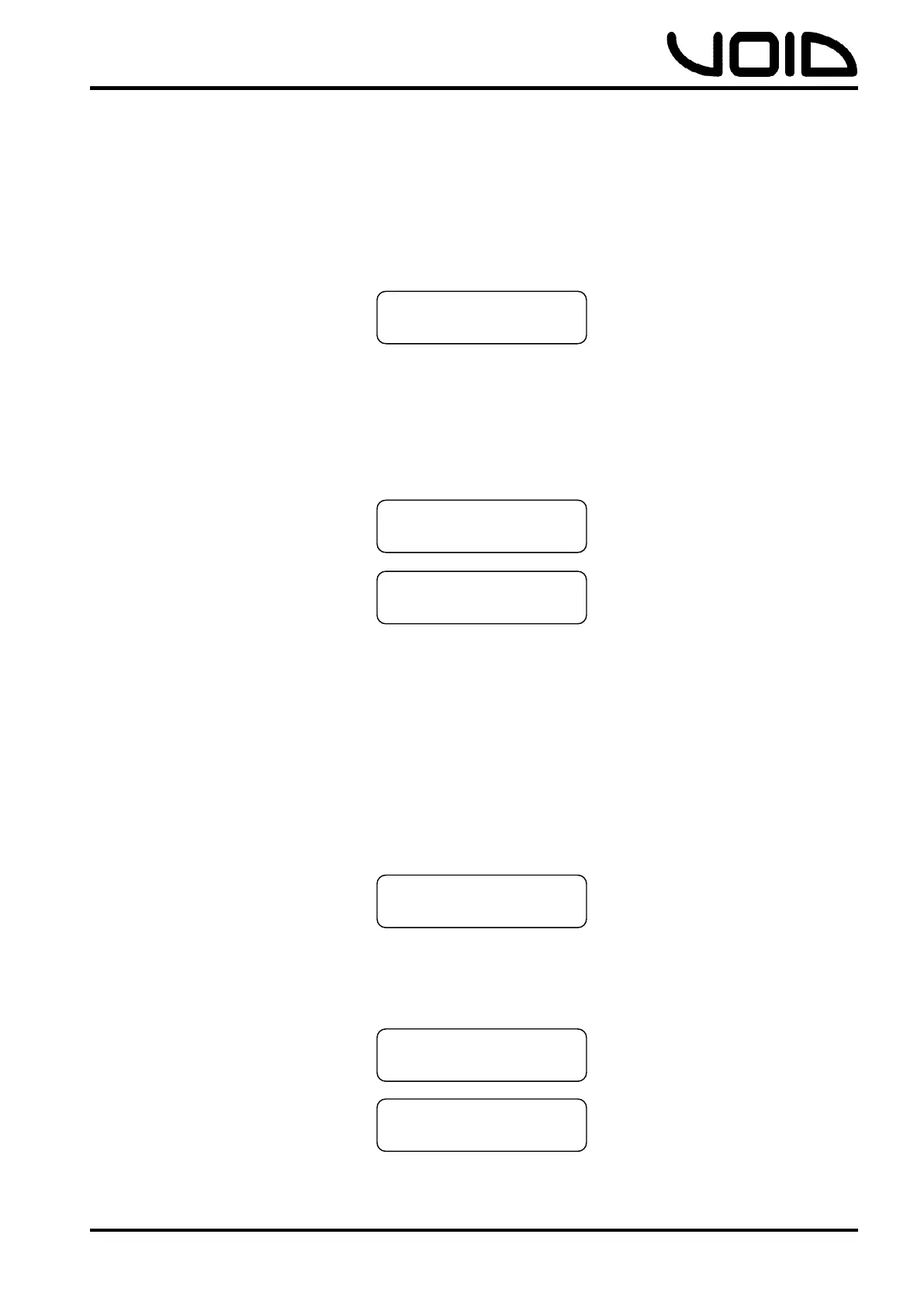
- Load, Shows the program #1-100 and the first 16 characters of the
program name. Load the preset by clicking the control wheel button.
- Save, Stores the current settings to the designated program #1-100 by
clicking control wheel. Users can set a custom name for the program
with a combination of the control wheel and control wheel button. To
delete a character, the EXIT button is pressed, to cancel storing a
program, all characters must first be deleted, and then the EXIT button
pressed.
- Access Level, Unlocked or ****Locked****. This allows the user to
secure the unit and prevent changes on the device. To lock/unlock the
device a password is required by pressing the control wheel button. To
delete a character whilst entering a password, the EXIT button is
pressed. Press the menu button once the password has been entered
to confirm it, and then again to set it.
NOTE: Locking the unit will lock any parameters from being changed. To unlock the
unit in order to make further changes, use the same process required to lock the
device with the same password entered.
- Version Info/IP Address/MAC Address, Information for the user
about the device. Includes Serial Number, software version, hardware
version, IP address and MAC address.
XXXXXXXXXXXXXXXX
EMPTY
XXXXXXXXXXXXXXXX
Unlocked
SN: XXXXXXXXXXXXX
XXX.XXX.XXX.XXX


 To Next Page