SEATS AND STEERING WHEEL
* Option/accessory.
188
Adjusting the side support* in the
front seat
Both the multi-function control* on the seat and
the centre display can be used in order to
change the settings. The range of settings is
shown in the centre display.
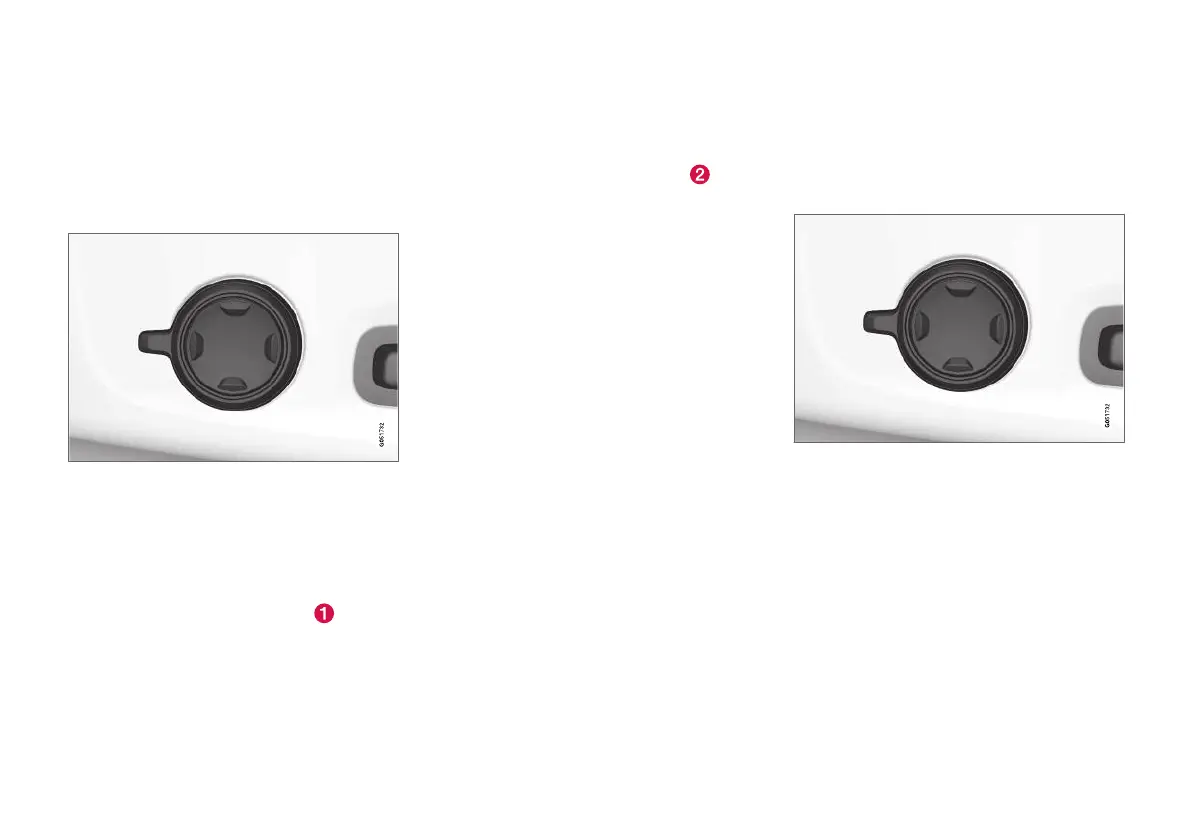
Multi-function control, located on the side of the seat's
seating section.
The sides of the backrest can be adjusted to pro-
vide side support.
To adjust the side support:
1. Activate the multi-function control by turning
the control upwards/downwards
. The
seat settings view will be shown in the centre
display.
2.
Select
Side bolsters in the seat settings
view.
•
Press the front section of the four-way
button to increase side support
.
•
Press the rear section of the four-way
button to decrease side support.
Related information
•
Manual front seat (p. 182)
•
Power front seat* (p. 183)
•
Adjusting the power front seat* (p. 183)
•
Storing memory function in power operated
front seat* (p. 184)
•
Using stored memory in a powered front seat
(p. 185)
•
Adjusting massage settings* in the front seat
(p. 186)
•
Adjusting the length of the seat cushion in
the front seat (p. 187)
•
Massage settings in the front seat* (p. 186)
•
Adjusting the lumbar support* in the front
seat (p. 188)
•
Adjusting the passenger seat from the driv-
er's seat* (p. 189)
Adjusting the lumbar support* in the
front seat
Activate the multi-function control* by turning the
control upwards/downwards. The seat settings
view will be shown on the centre display.
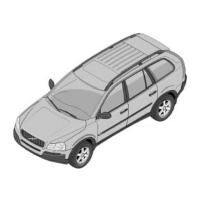
Multi-function control, located on the side of the seat's
seating section.
4-way lumbar support provides options to adjust
the lumbar support. Use it by pressing the four-
way button located on the side of the seat's seat-
ing section. The lumbar support can be adjusted
forwards/backwards and upwards/downwards.
Adjusting the lumbar support* in the
front seat
To adjust the lumbar support:



 To Next Page